

Top 10 of the best website builders 2025

Today, having a strong online presence is key to connecting with customers and boosting your brand’s visibility. The good news? You don’t need any coding skills to build a stylish and effective website. Modern website builders make it simple by providing all the features you need to create a professional site with ease. In this guide, we’ll show you what to consider when selecting a website builder—and introduce you to the top 10 platforms to get started.
- Intuitive website builder with AI assistance
- Create captivating images and texts in seconds
- Domain, SSL and email included
An overview of the best website builders
- IONOS: User-friendly, AI tools for automated page creation, ideal for ease of use
- Elementor (WordPress Plugin): Design-oriented WordPress plugin with AI feature, intuitive drag-and-drop
- Jimdo: Extensive e-commerce functions, ideal for small businesses
- Webador: Affordable and easy to use, over 100,000 stock photos
- Weebly: Good SEO and marketing tools, simple design templates
- Squarespace: Design-focused with AI content creation
- SITE123: Theme-based layout without drag-and-drop, user-friendly for beginners, perfect for fast and simple website creation.
- Webflow: Powerful website builder that is ideal for creating unique, responsive websites. Features an AI assistant.
- Wix: Large selection of design templates and flexibility. AI tools for automated website creation
- GoDaddy: Good social media integration and AI-powered marketing features
The most important features of a website builder
With the help of a website builder, you can create a professional website without a great deal of technical effort. Depending on your requirements and goals, you should carefully consider which functions are most important for your individual needs. While some website builders increasingly rely on artificial intelligence (AI), others stand out with proven drag-and-drop editors and customizable templates. Here are the key features you should definitely look for when choosing the best website builder for you:
User friendliness
A good website builder should have an intuitive user interface that can even be understood by people without programming experience. Pay attention to the following functions:
- Drag-and-drop interface: The ability to visually move and place elements such as text, images and buttons without having to write code is a key benefit.
- Pre-built templates: Templates give you a solid foundation and help you envision the potential of your website.
- Clear settings and customization options: You should be able to adjust colors, fonts and layouts without getting lost in a maze of menus.
Design flexibility
To stand out from the competition, it is important to choose a website builder that allows you to customize your website. These functions should be available:
- Customizable templates: While templates are a good starting point, the ability to customize them is critical to making your website stand out. Look for providers that allow you at least some flexibility in customizing the templates.
- Mobile responsiveness: Your website needs to look good and be usable on all devices, from smartphones to desktops. Website builders should include tools that allow you to customize how your website looks on different screen sizes.
- Various design options: With options to change colors, fonts, backgrounds and spacing, you can determine the aesthetics of your website yourself and adapt it to your corporate design.
Basic functions
A website builder should offer more than just an appealing design. These core features will help you create a website that is user-friendly and can be found on Google:
- Blogging features: If you want to share written content, look for a website builder with a built-in blog system or easy integration with blogging platforms. By publishing relevant content, you can increase your visibility on Google.
- Contact forms: A simple contact form allows website visitors to get in touch with you directly.
- SEO basics: A website builder should at least allow you to edit page titles and meta descriptions. Good control over SEO settings gives you the opportunity to insert targeted keywords and optimize the appearance of your website in search results.
- Image optimization: The speed of the website is also important! Look for providers that have some form of image compression or optimization. Slow loading times can have a negative impact on usability and search engine rankings.
Support and assistance
When using a website builder, good support for questions or troubleshooting is invaluable, especially if you do not yet have extensive experience in creating websites. You should therefore also pay attention to the following before deciding on a website builder:
- Documentation and tutorials: Clear guides and step-by-step instructions will help you familiarize yourself with the new tool.
- Forums and user groups: The opportunity to get in touch with other users, ask questions and share solutions is another level of support.
- Support channels: Is 24/7 support available to quickly resolve urgent issues? Can you reach the support team via email, live chat, or phone? For specific concerns, it’s important to have designated contacts who can offer you targeted, expert assistance.
Legal requirements
Another important aspect when choosing a website builder is the legal requirements, particularly with regard to data protection. Pay attention to the following points:
- Data protection compliance (GDPR): Make sure that the website builder is GDPR-compliant if you’re doing business in the EU. Data protection declarations and legal notices should be easy to integrate and adapt.
- Legally compliant texts: Some website builders provide ready-to-use, legally compliant templates for legal notices and privacy policies.
- Cookie banners and tracking options: A good toolkit should include functions that make it easy to implement cookie banners that comply with legal requirements. Also look for transparent tracking and data collection options.
The top 10 website builders
Now that you know what to look for in the best website builders, we’d like to present our top 10 most popular options. We’ll highlight the strengths and weaknesses of each provider and explain what types of projects they’re best suited for. This will help you make an informed decision that meets your individual requirements.
IONOS Website Builder

Benefits:
- Ease of use
- AI-powered tools
- 24/7 support
- Comprehensive e-commerce functions
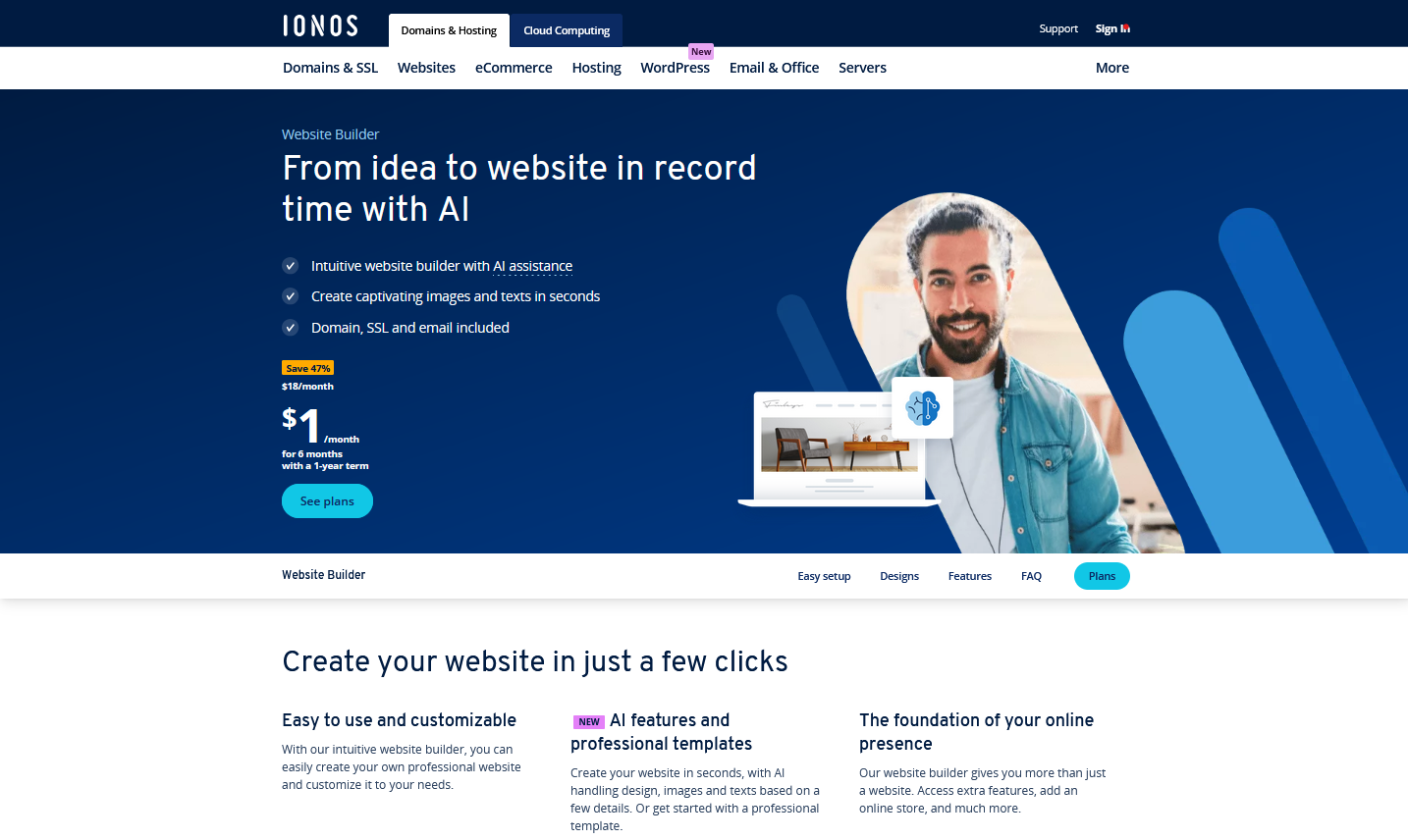
The IONOS Website Builder offers a user-friendly solution for creating websites, making it especially easy for beginners to get started. With its intuitive interface featuring drag-and-drop elements, users can easily customize their sites. A wide range of adaptable design templates allows you to create a professional website that aligns with your brand. The builder offers templates for various industries, such as hospitality and retail, which are optimized for mobile devices.
The builder’s features include AI-powered tools, which optimize content and improve the user experience, including automatic text suggestions, image customization and search engine optimization. The AI website generator enables the automatic creation of a website, complete with relevant texts and images, by simply entering the industry and keywords. In addition, there are e-commerce functions so an online store can easily be integrated as well as appointment booking functions that allow appointments to be made directly on the website.
IONOS provides support that is available 24/7 via phone, email, and live chat. The website builder is GDPR-compliant and includes tools for managing cookies, data processing agreements, and legal notices. There are three different plans, with the Plus plan starting from one dollar per month.
- Easily get your business online
- Integrated online booking tools
- Professional templates & 17,000 stock images
Elementor page builder
Benefits:
- WordPress plugin
- Theme Builder & Loop Builder
- Cloud hosting optional
- AI-powered features
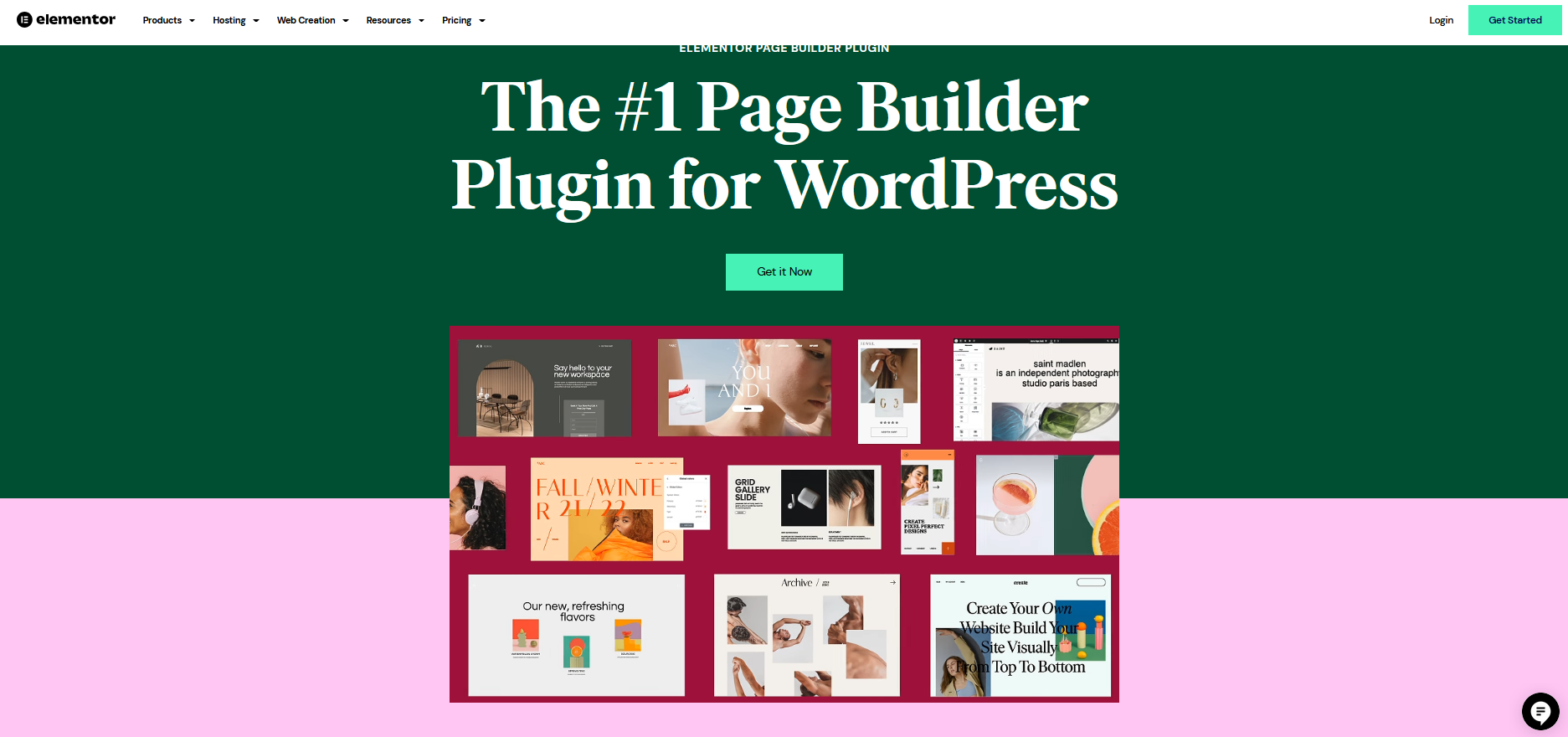
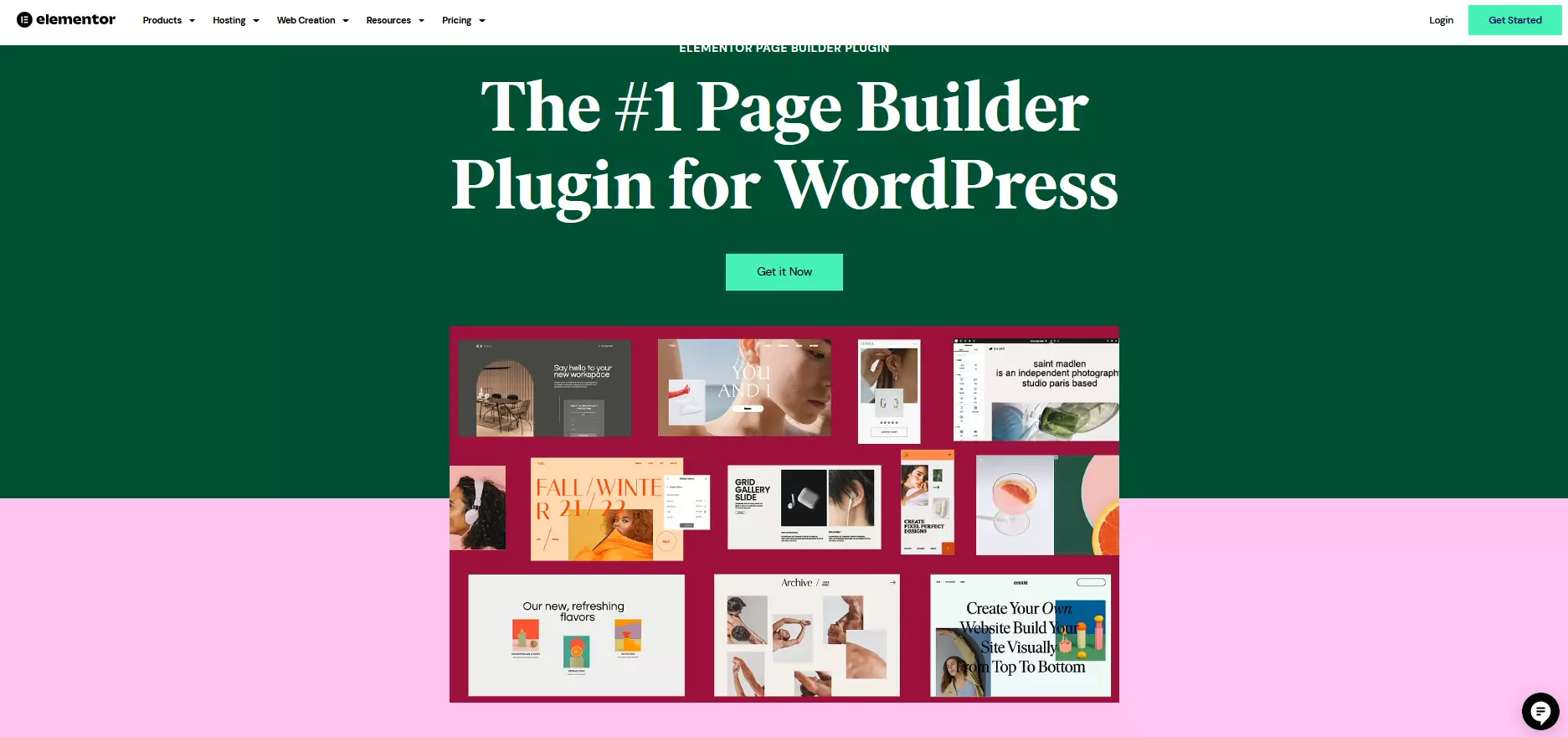
The Elementor page builder is a user-friendly solution for quickly creating professional websites based on WordPress. The plugin can be downloaded directly in the WordPress backend and has an intuitive drag-and-drop operation that makes it easy to create responsive designs for different end devices. The basic version of Elementor is free and offers a surprising number of functions.
The Pro version of Elementor gives users access to advanced features such as the Theme Builder and the Loop Builder, which make it possible to display dynamic content such as blog posts or product lists in a clear way. AI-powered design suggestions are also available to automatically optimize layouts and color schemes. Elementor is compatible with almost every WordPress theme and also offers a cloud hosting solution. AI functions can also be integrated for an additional charge. Prices for Elementor Pro range from 59 euros (around 65 dollars) to 199 euros (around 220 dollars), depending on the chosen plan.
WordPress itself, as a content management system (CMS), has no integrated solutions for privacy, cookies and legal notices. As WordPress is an open-source platform, the responsibility for implementing legal requirements such as privacy policies and legal notices lies with the website operator. However, there are numerous WordPress plugins that can help.
In our Digital Guide you will find more detailed information about WordPress and other content management systems.
Jimdo website builder
Benefits:
- Quick & easy
- Image database
- Analysis options
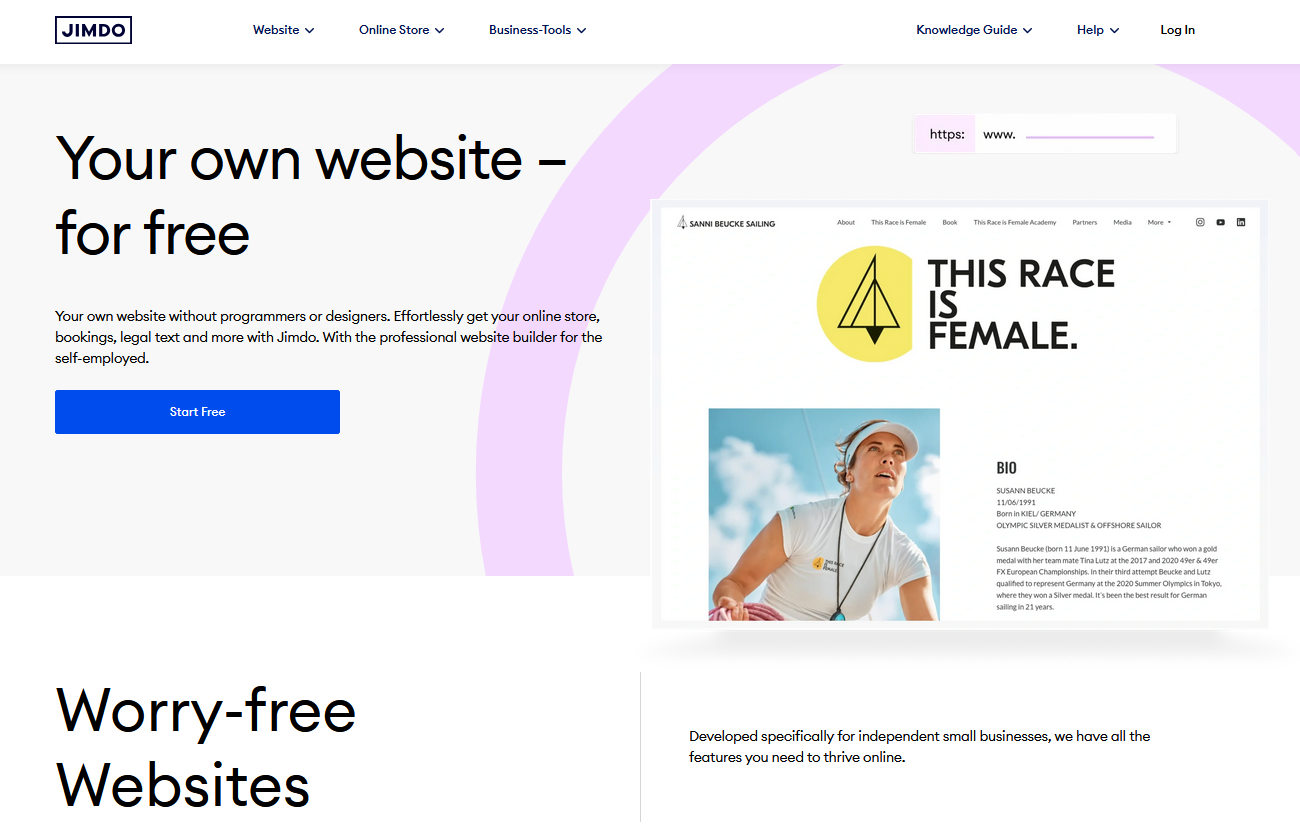
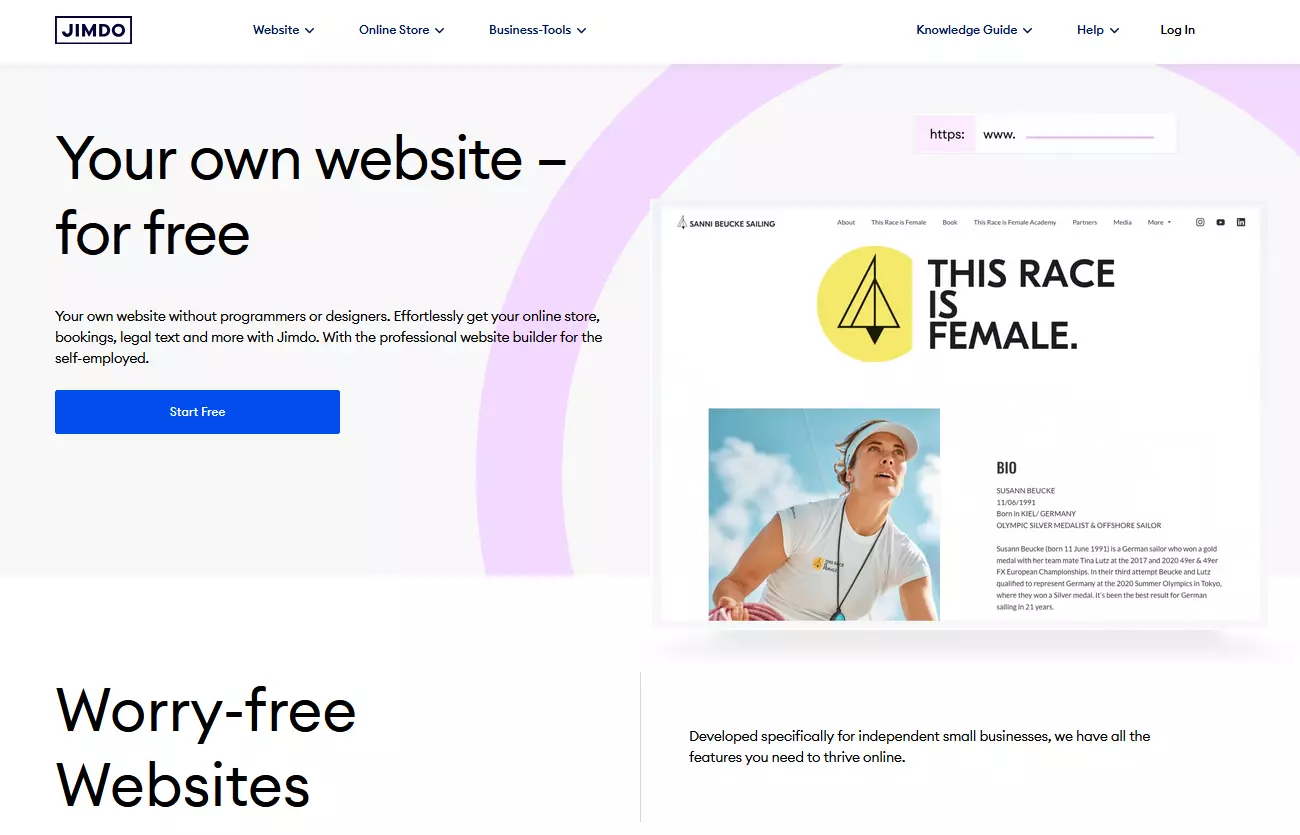
Jimdo is a versatile website builder that is characterized by its user-friendliness and generous range of functions. There are both free and paid plans, ranging from 11 to 45 euros (around 12 to 50 dollars) per month, depending on the features you want. These plans are ideal for individuals and companies who want to create a professional website quickly and easily.
You can choose from a variety of templates and customize your websites with an intuitive drag-and-drop system. An extensive image database of royalty-free photos is available, and content can be imported directly from social media, making it easy to integrate existing materials. Jimdo websites are fully optimized for mobile devices; automatic search engine optimization is offered as well as detailed analytics to track and improve performance.
Jimdo offers comprehensive e-commerce functions for companies that want to sell online. The online store allows the sale of up to 100 products with different variants without incurring transaction fees. Jimdo also provides caution-proof legal texts. Support at Jimdo is provided exclusively by email or via a chat in the dashboard, there is no telephone support.
Webador website builder


Benefits:
- over 100,000 free stock photos
- Includes custom domain
- SEO tools
- AI website builder
Webador is a user-friendly and cost-effective option for small businesses looking to create a professional website. The platform offers SEO optimization and AI-powered content creation, so you can simply specify what type of website you need, and AI will do the rest. An intuitive drag-and-drop system allows for quick customization of website content and design, and over 100,000 free stock photos are available to enhance your visual design.
Webador offers a free version and three paid plans, which are free for the first six months and then cost between 4.50 and 17 euros (around 5 to 18.50 dollars) per month. These plans typically include a custom domain, a matching email address, seamless integration of an online store, and tools to manage your own blog. Support is available via email, and all data is stored on servers located in Europe, helping ensure compliance with GDPR regulations.
Weebly website builder


Benefits:
- Three levels of pricing
- Global page editing
- SEO and marketing tools
Weebly’s website builder offers three plan options: a free version, the Professional plan for 14 euros (around 15 dollars) per month and the Performance plan for 25 euros (around 27 dollars) per month. While Weebly enables solid websites to be easily created, the e-commerce functions are limited. Although extensive product information and individualized articles can be offered, if you want to integrate PayPal, this requires an upgrade. In addition, shipping service providers such as DHL cannot be integrated directly and customizing invoices is limited.
In terms of design, Weebly provides a limited range of responsive design options compared to its competitors. It does not offer pre-made templates for quick website design customization. However, with global page editing, you can modify color schemes, fonts, buttons, and layouts across all subpages at once, creating a consistent and harmonious look.
Content such as text, image galleries and videos can be easily integrated, and Weebly also provides a beginner-friendly wizard to help out at the start. The platform provides effective SEO and marketing tools; however, the terms and conditions and privacy policies are not legally foolproof. As well as a support team, Weebly provides a community forum where users can assist each other.
Squarespace website builder
Benefits:
- Intuitive operability
- Flexible design
- Special features e.g. for restaurants
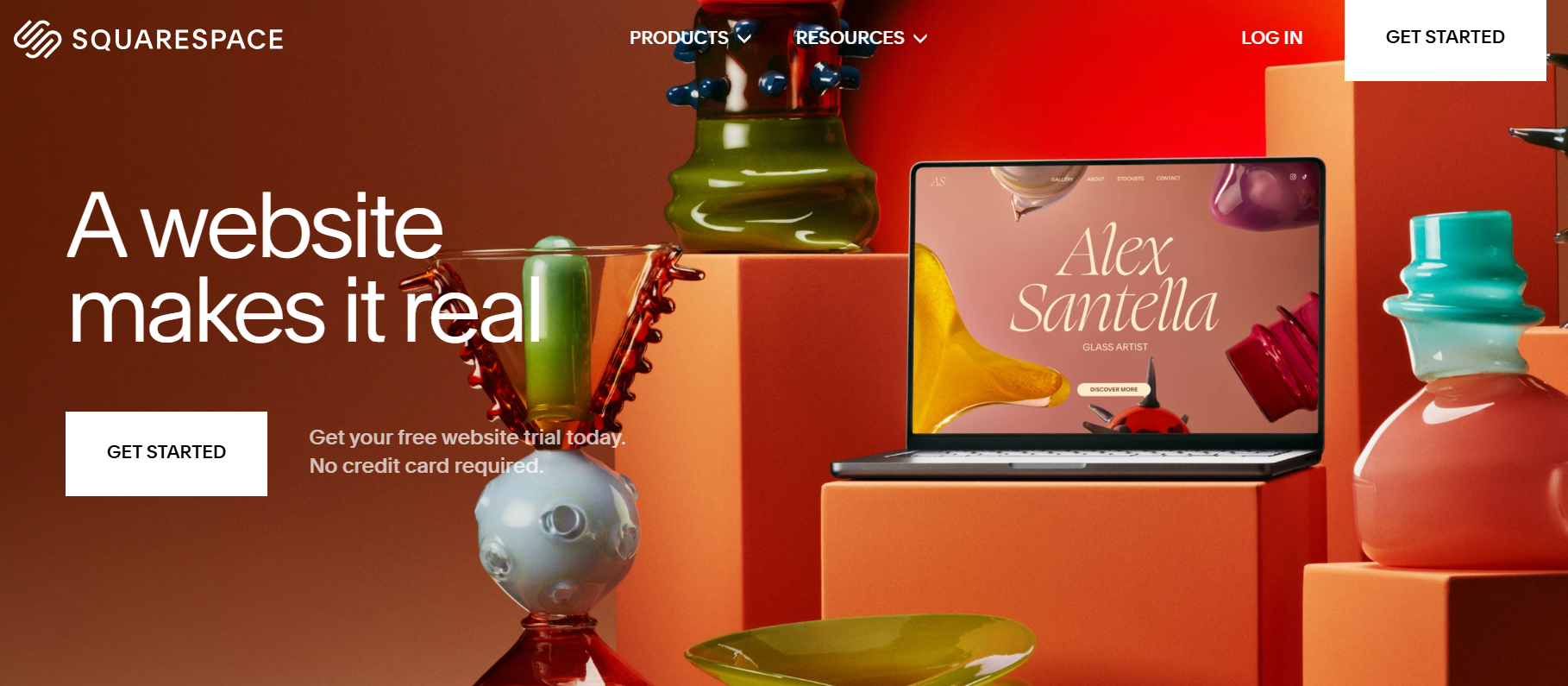
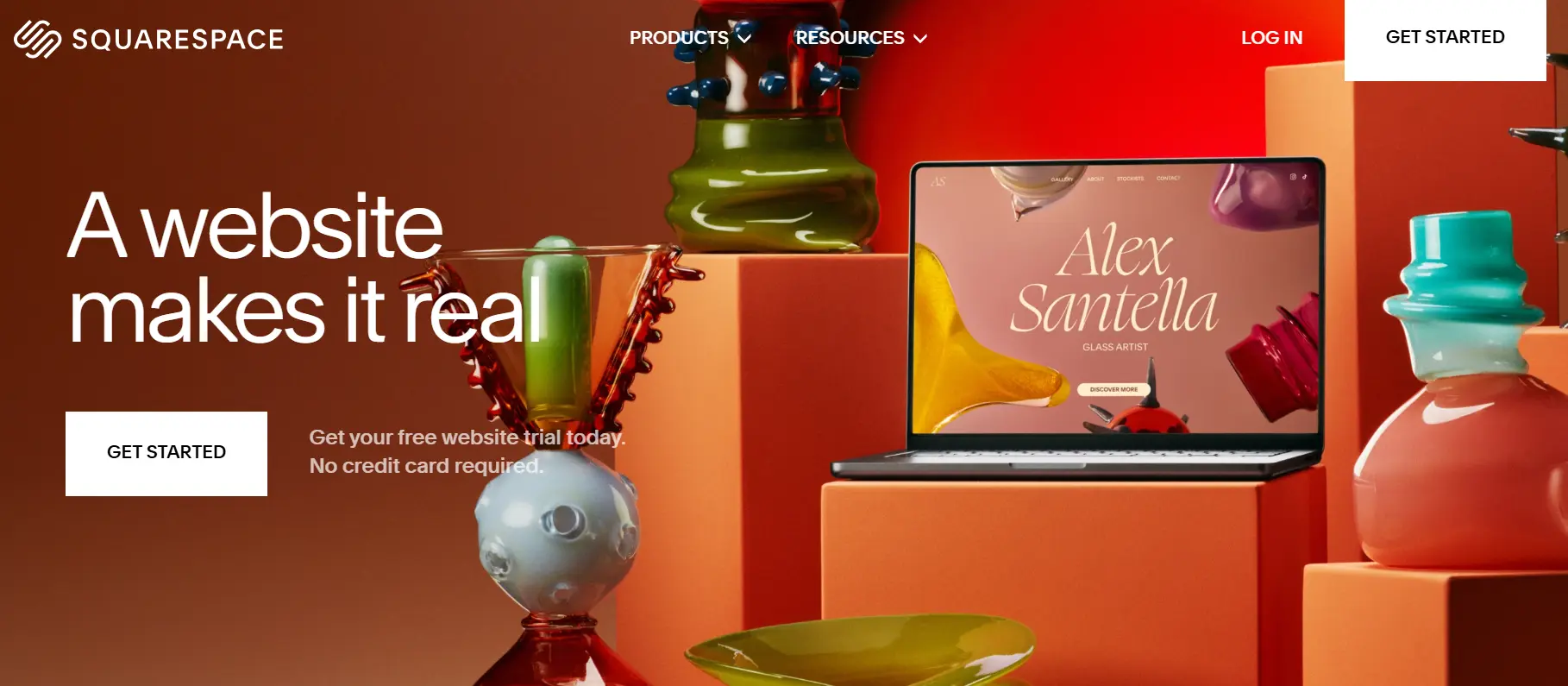
The Squarespace website builder is easy and intuitive to use; there are professional templates with high design quality. The platform also offers a wide range of SEO and marketing tools, along with a blog feature that outperforms many competitors. However, its relatively slow loading times and lack of a backup function are notable drawbacks. Support is limited to email and live chat. Additionally, the terms and privacy policies fall short of legal requirements due to the server location in the United States, and there are no legally compliant templates for legal notices or data protection.
Squarespace e-commerce provides versatile layout options, enabling you to arrange page elements like forms, videos, and text freely. Besides offering a web shop and blog, you can also create protected member areas and set up menus with a reservation feature using OpenTable.
This builder is aimed at both beginners and advanced users who aren’t satisfied with their current system. It is particularly suitable for coaches, small consulting agencies, and solo freelancers who want to showcase their portfolio or sell digital products and services without having to get deeply involved in the technology. Squarespace offers four plans that cost between 16 and 52 dollars per month.
SITE123 website builder
Benefits:
- Setup wizard
- Templates + theme-specific elements
- SEO options
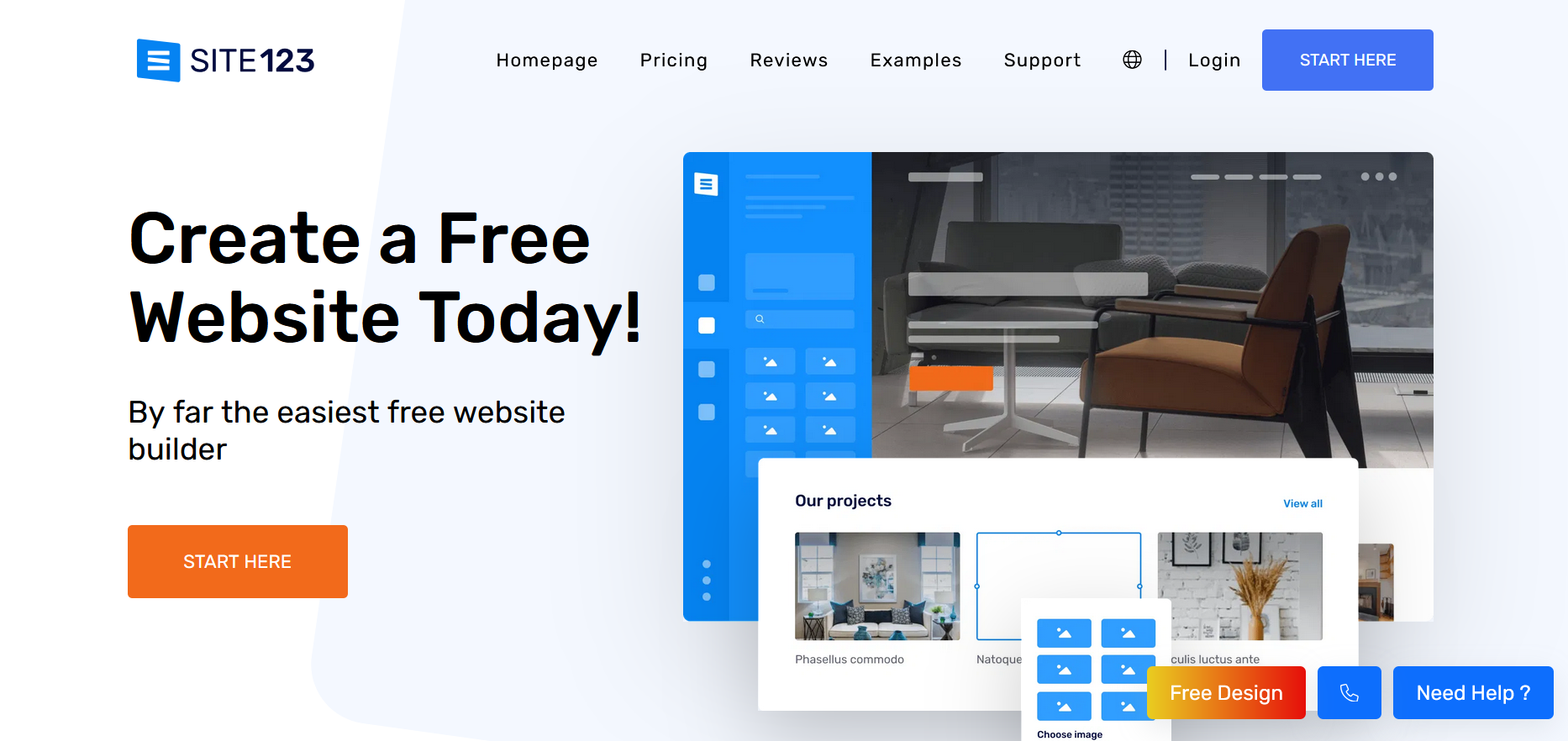
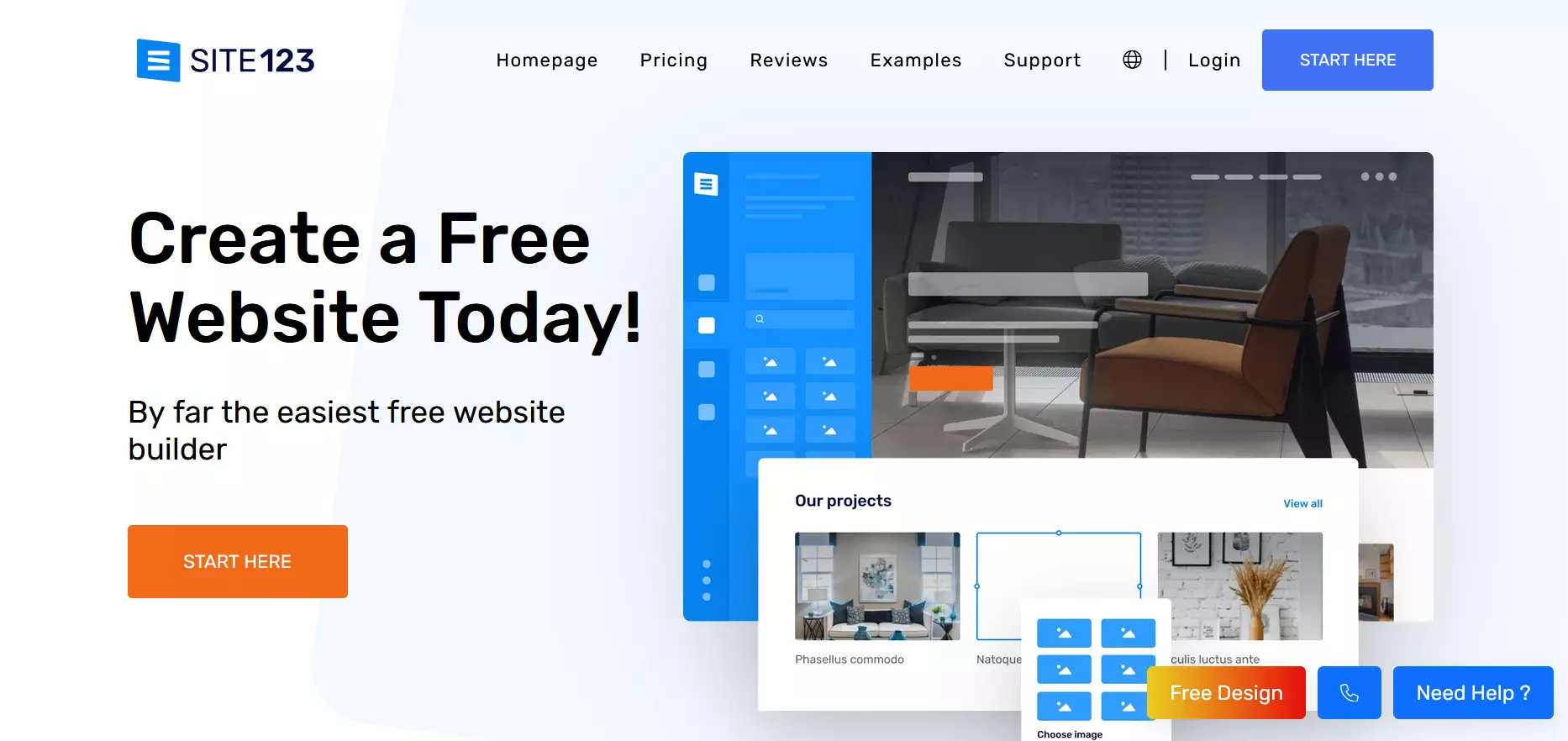
SITE123 is an Israeli website builder provider that is characterized by theme-based placement instead of a free drag-and-drop system. You can choose between ready-made templates and add theme-specific elements as needed. A setup wizard helps to customize the website to your individual wishes. The websites are fully responsive and optimized for mobile devices. You can also customize the SEO settings to improve visibility. SITE123 also allows you to quickly set up an online store.
A downside is the absence of legal texts such as the privacy policy. Support is available 24/7 through live chat, but there is no phone hotline. SITE123 is ideal for those seeking a straightforward and user-friendly solution. The premium version is priced at 12.80 dollars per month.
Webflow website builder
Benefits:
- Drag-and-drop editor
- Built-in CMS for content management
- Option to integrate custom HTML, CSS, and JavaScript
- AI-powered design assistant for faster page creation
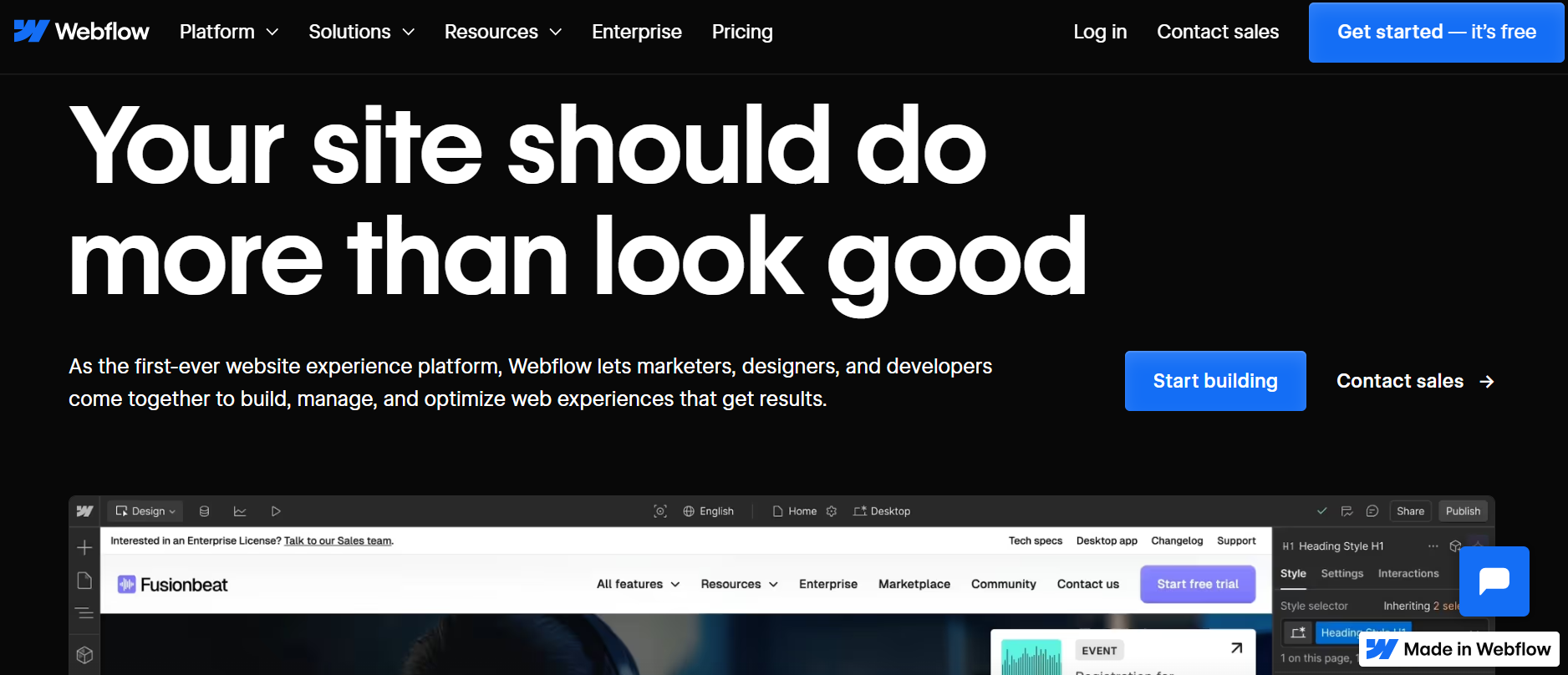
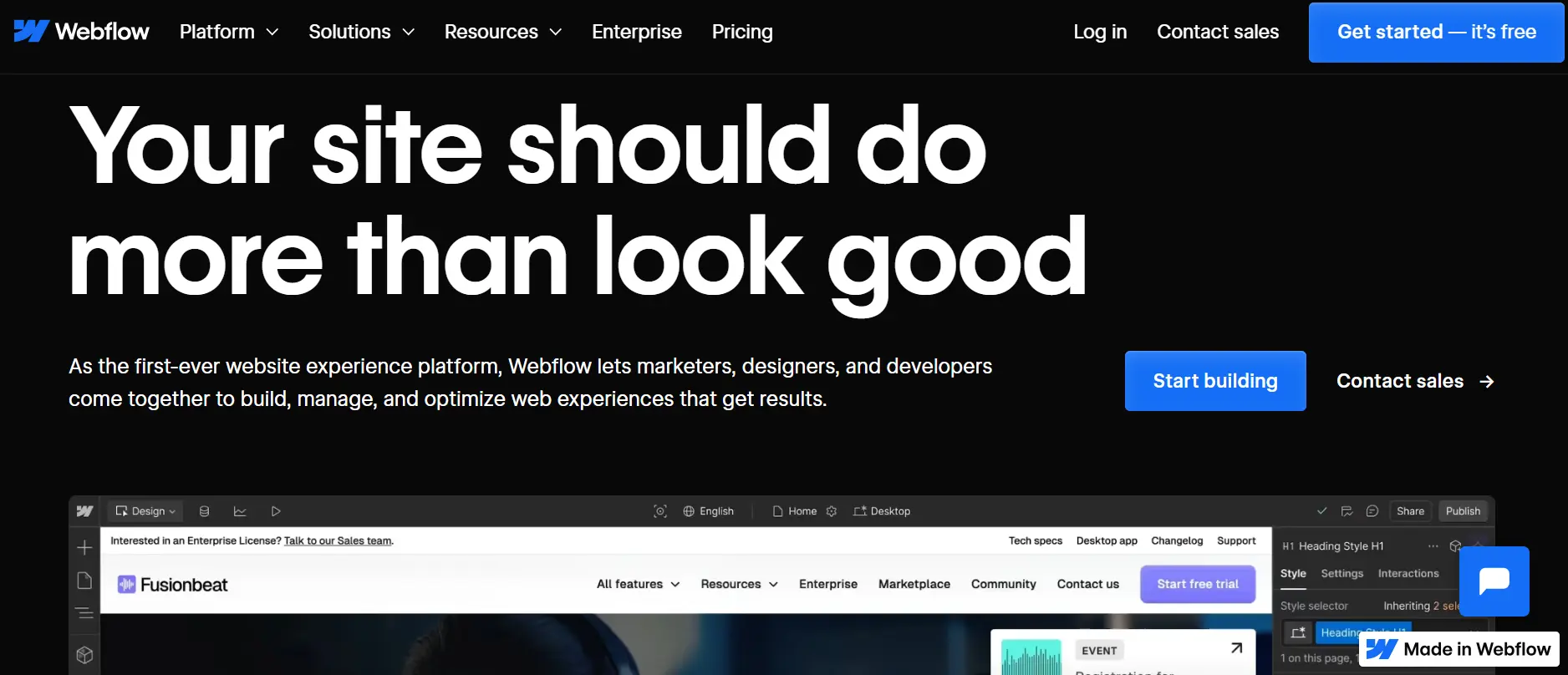
Webflow is a robust website builder known for its powerful design capabilities and flexibility. It offers a visual design interface with a drag-and-drop editor, allowing users to create responsive websites without writing code while providing control over CSS properties like grids and typography. Webflow includes a built-in CMS for content management, responsive design features, hosting with security measures like SSL and global CDNs, e-commerce capabilities, and tools for SEO optimization. In recent updates, Webflow introduced an AI Assistant that helps streamline the design process by automatically suggesting and generating page sections based on the existing design system. This significantly speeds up workflow, especially for larger projects.
Users can also create complex animations and integrate custom HTML, CSS, and JavaScript. The platform’s strengths lie in its design flexibility and advanced features, making it ideal for designers who want to create unique websites. However, Webflow can have a steep learning curve for beginners, and its pricing might be higher than some other website builders. Additionally, while the number of pre-designed templates is growing, it remains limited compared to competitors like Wix or Squarespace. Its e-commerce functionality, although continually improving, may still fall short for managing large-scale online stores when compared to specialized platforms like Shopify.
There is a free plan available for those first starting out with Webflow. The Business plan costs 39 dollars per month, but if you’re looking for an even more advanced solution, the Enterprise plan is available upon request, which comes with enterprise security and support.
Wix website builder
Benefits:
- Apps with additional functions
- Version history
- Marketing suite
- AI website builder
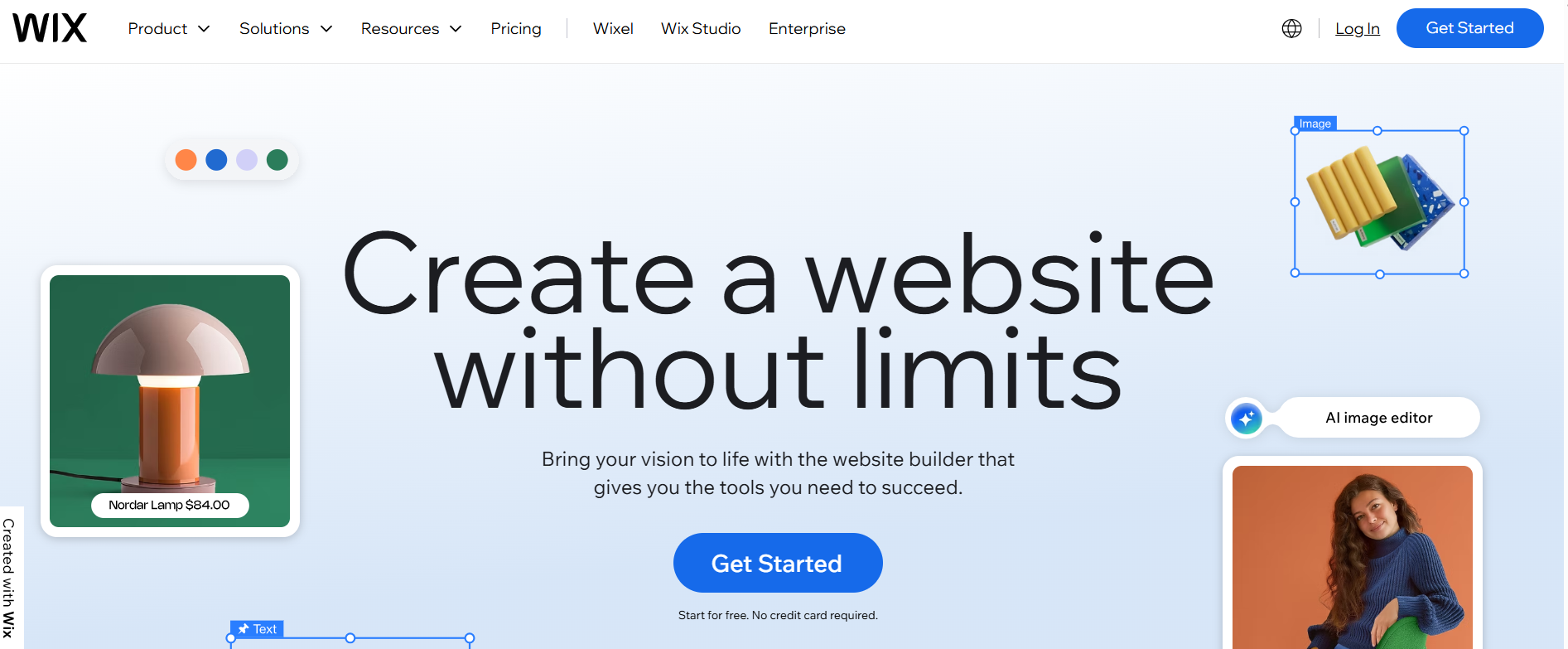
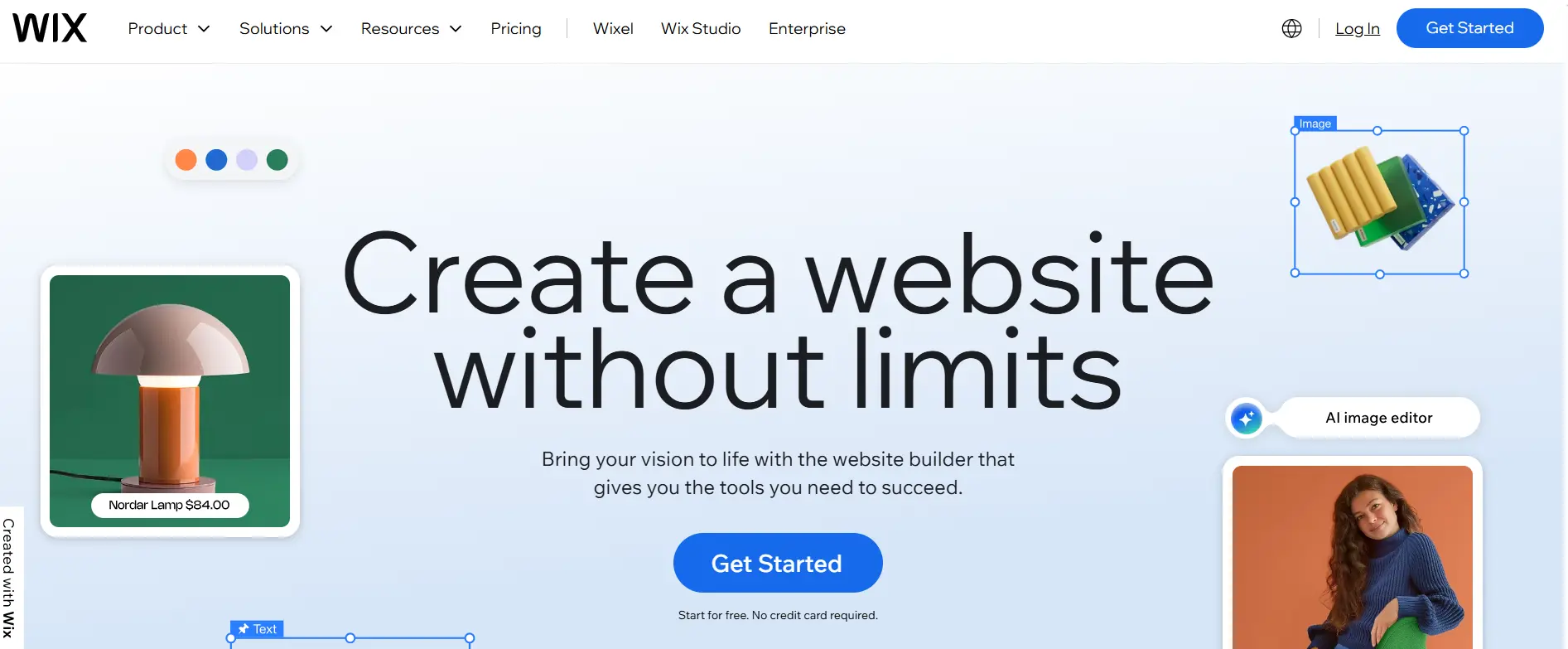
Wix is a popular website builder that provides almost 1,000 design templates and numerous expandable functions via apps. The website builder enables you to create a professional website and offers a permanent free plan with a Wix extension in the URL and an advertising banner on the page.
A standout feature of Wix is the version history that allows you to undo changes, which is especially helpful for beginners. Wix supports responsive design meaning that websites are displayed well on all devices.
While the platform offers extensive features, there are some drawbacks, especially regarding data protection, since the servers are located outside the EU, which can lead to GDPR compliance issues. Wix does not provide support for setting up cookie banners, privacy policies, and other legally required elements.
Compared to the other providers mentioned, the plan prices, ranging from 13 to 177 euros (around 15 to 195 dollars), are relatively high. However, Wix’s Business Elite plan includes features that are particularly beneficial for medium-sized businesses, such as the ability to integrate up to 15 collaborators, unlimited storage space, and an advanced marketing suite.
GoDaddy website builder
Benefits:
- Good range of templates
- Supports various payment methods
- Social media connections
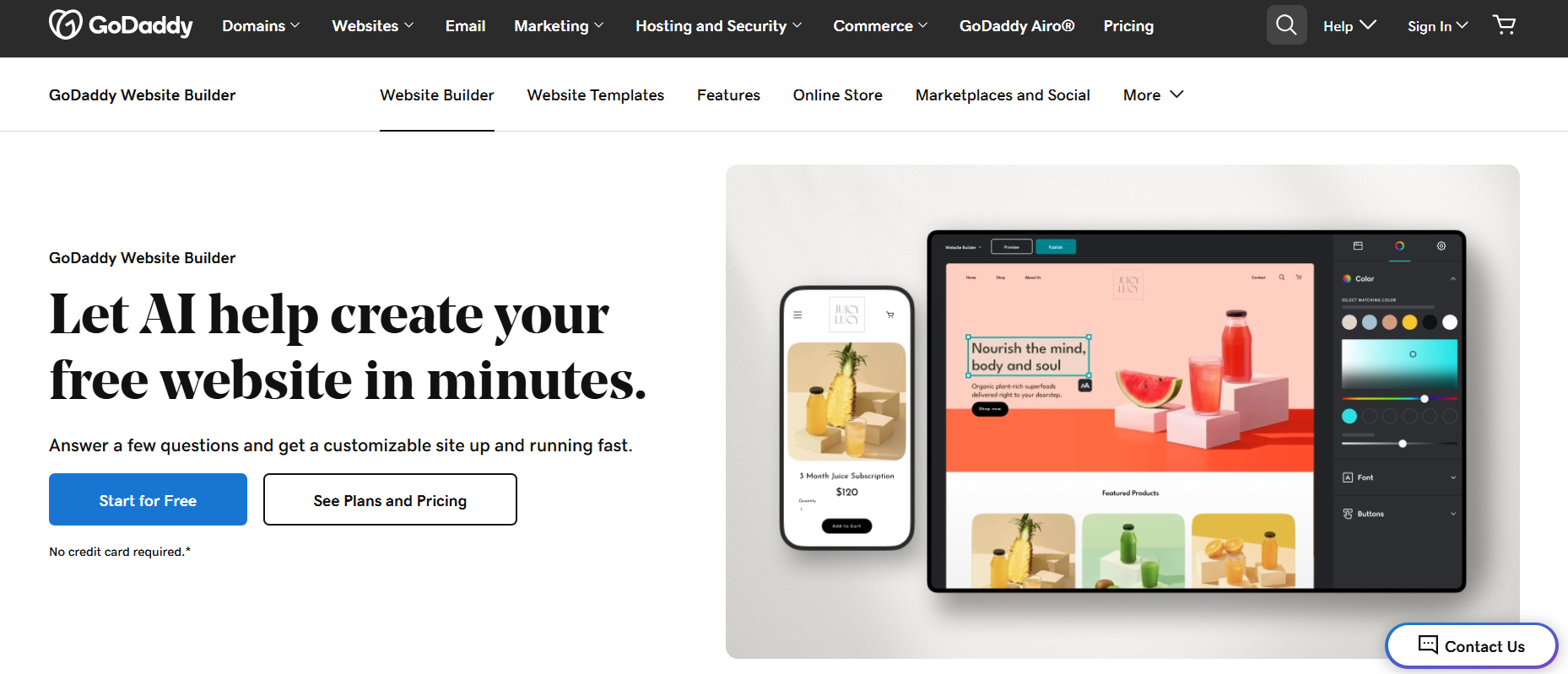
The GoDaddy website builder makes it easy to create appealing websites and online stores, as well as supporting blogs and scheduled services like fitness classes or webinars. With 220 templates available, designing a layout quickly is straightforward.
GoDaddy provides all the necessary tools for selling products, including support for all major payment methods. However, shipping needs to be managed manually, and invoicing is limited to a basic email solution.
GoDaddy performs better in the areas of SEO and marketing. There are connections to platforms such as Instagram, Facebook and Google Shopping** as well as options for targeted mailings. Conveniently, GoDaddy has a graphic tool for creating Facebook ads, flyers and Instagram stories. Customer support is available at certain times via telephone and chat. As the servers are also located in the USA, it is important to keep an eye on data protection. Prices lie between 9.99 and 20.99 dollars.