

The best WordPress quiz plugins

More than 35% of all websites are created using the WordPress Content Management System (CMS). This popular CMS provides over 54,000 plug-ins, so site owners can add lots of different features to customize their site. Some of the most frequently used are calendar plug-ins, caching plug-ins, and e-commerce plug-ins for online stores. Lots of the plug-ins are available for free. To get access to their features, all you have to do is install and activate them.
If you’d like to add a quiz to your website, there are WordPress plug-ins that can do that too – you don’t need any special programming knowledge. And although you’ll have to spend a little time creating your quiz, the benefits of having a quiz on your site mean it’s worth considering. Quizzes are interactive, and interactive content is a great way of engaging your visitors and encouraging them to stay on your site for longer. In turn, this can lower your bounce rate and improve your Google ranking. Let’s take a look at six of the most popular WordPress quiz plug-ins and what they offer.

Quiz Maker – great for variety and exams
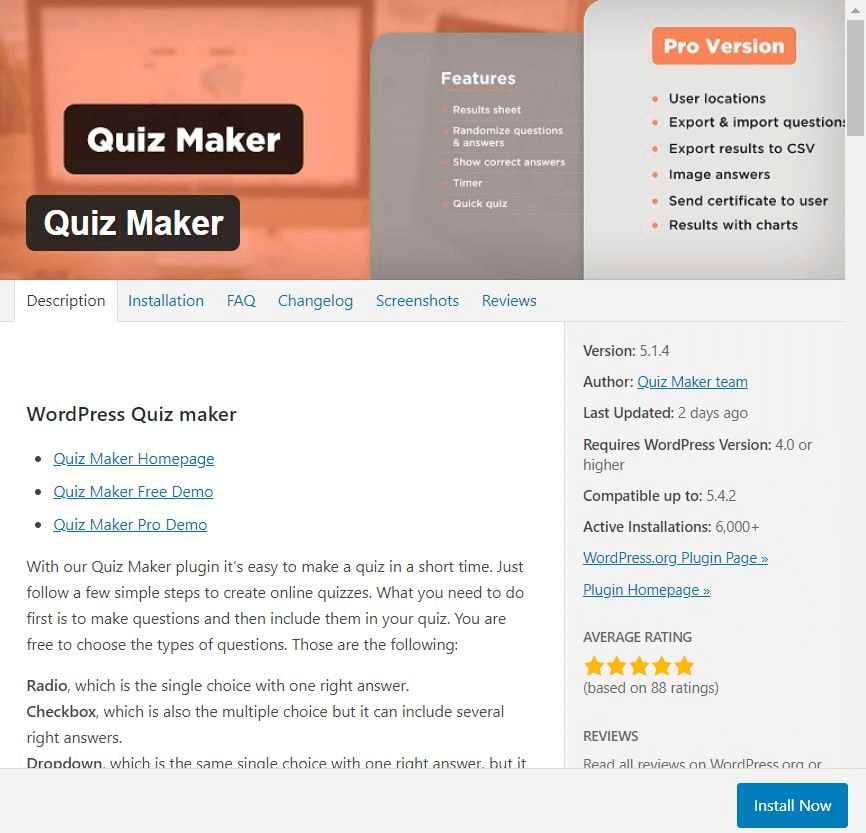
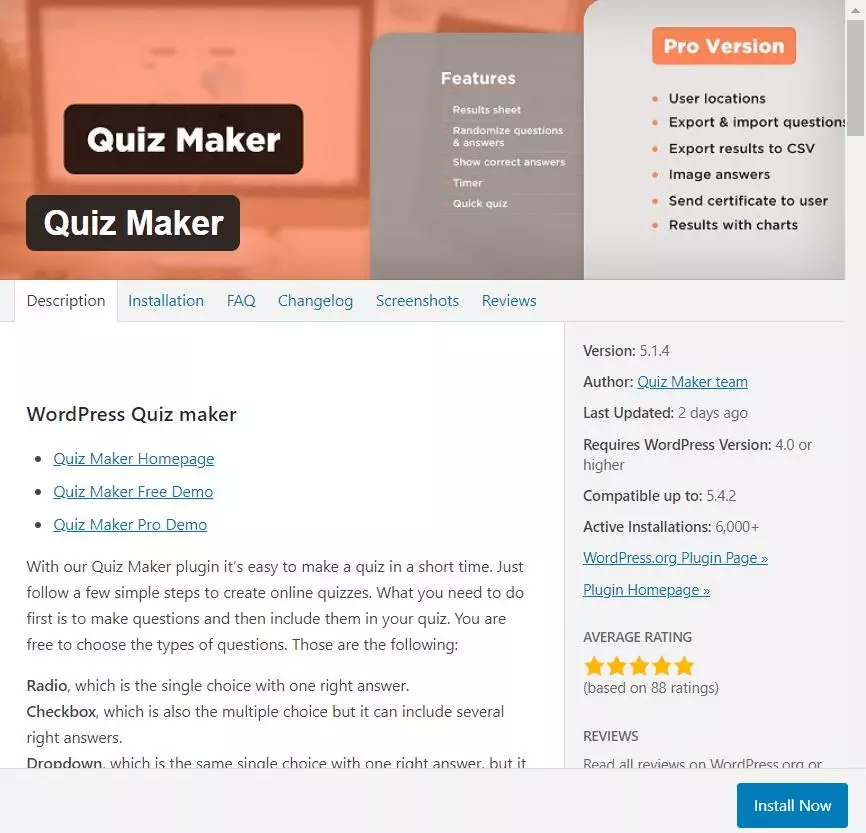
Quiz Maker is a free WordPress quiz plug-in and lets you create as many quizzes as you want. One advantage compared to other plug-ins is that there are lots of question types to choose from, so you can keep things interesting for your visitors:
- Radio: For multiple choice questions with just one right answer
- Checkbox: For multiple choice questions with more than one correct answer
- Dropdown: Similar to the radio button option, but the answers are presented as a drop-down list, so they take up less space
- Text: Lets users type their answer into a text field
- Number: Text field in which users can only enter numbers
Once you’ve entered your questions and answers, you can embed your quiz into a web page, post or text widget using a WordPress shortcode. Quiz Maker has several other functions too, including settings to randomize questions, analyze answers and user data, and customize the way results are displayed to each user. The developer labels Quiz Maker as an exam plug-in too because it has a timer option that lets you limit the time respondents have to answer questions. Finally, there’s also a paid pro version that offers even more features, such as a quiz widget and the ability to export results to a CSV file and view results on charts.
| Advantages | Disadvantages |
|---|---|
| Unlimited number of quizzes and unlimited number of questions | |
| Can be embedded using a shortcode | |
| Lots of question types | |
| Timer function | |
| Pro version available | |
| Regular updates |
mTouch Quiz – ideal for smartphones and creating tests
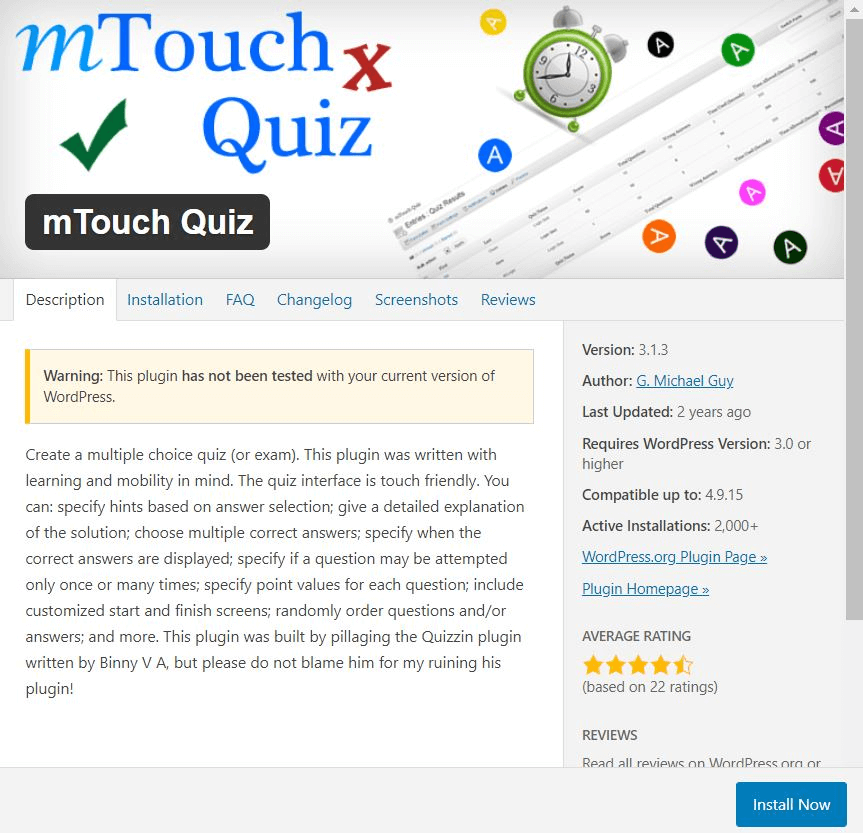
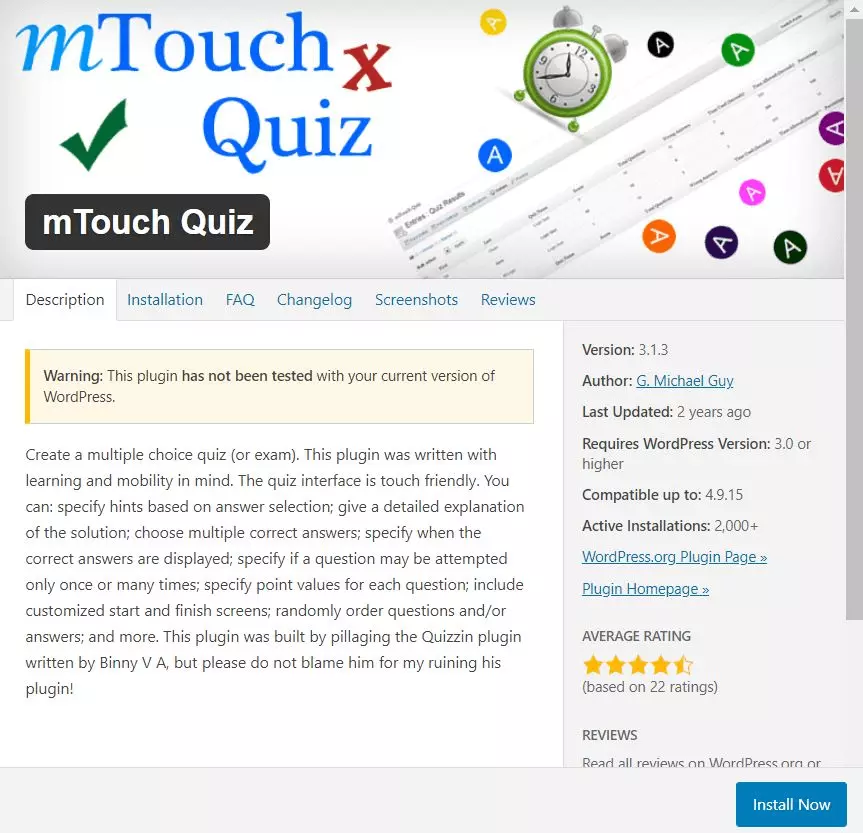
The mTouch Quiz WordPress quiz plug-in is touch-friendly, so it’s perfect for use on smartphones. The settings in this plug-in make it a great choice for designing multiple choice tests or quizzes that are designed to help the user learn something. For example:
- You can configure your quiz so that users can request hints if they get stuck.
- You can enter extra information that will be displayed once the user has selected the correct answer.
- There’s an option that lets you assign point values to each question.
Unlike Quiz Maker, this WordPress quiz plug-in only supports multiple choice questions.
| Advantages | Disadvantages |
|---|---|
| Optimized for smartphones | Last updated in 2018 |
| Ideal for creating tests | Limited to multiple choice questions |
- Stress-free, no matter your skill level with easy AI tools
- Fully customizable with themes and plugins
- Hassle-free updating and less admin
Quiz Cat – create quizzes that go viral and boost your conversion rate
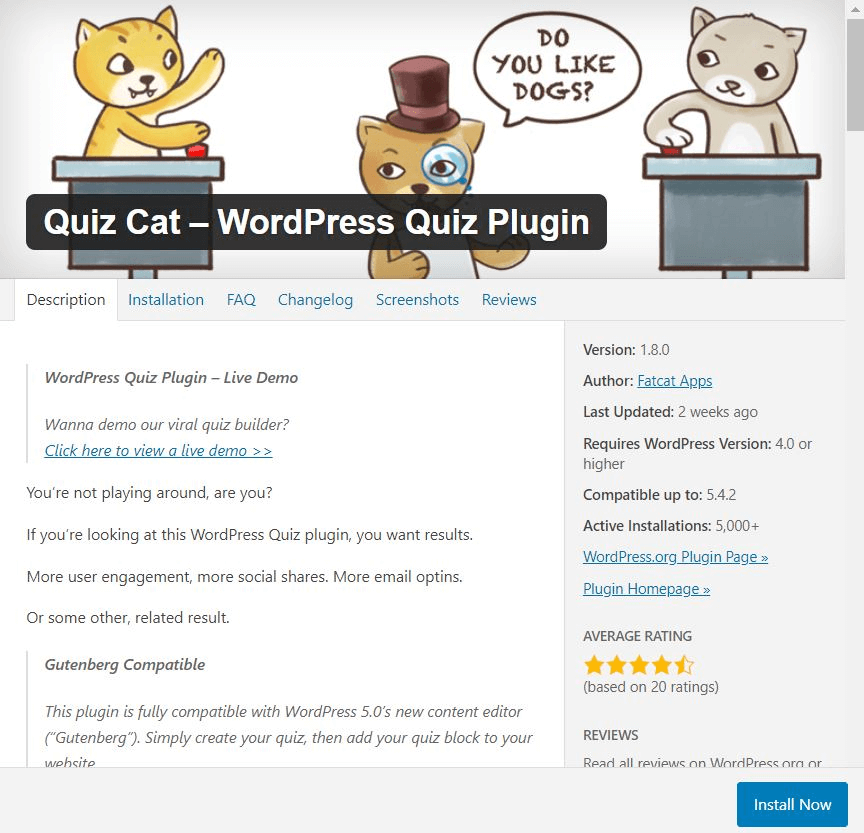
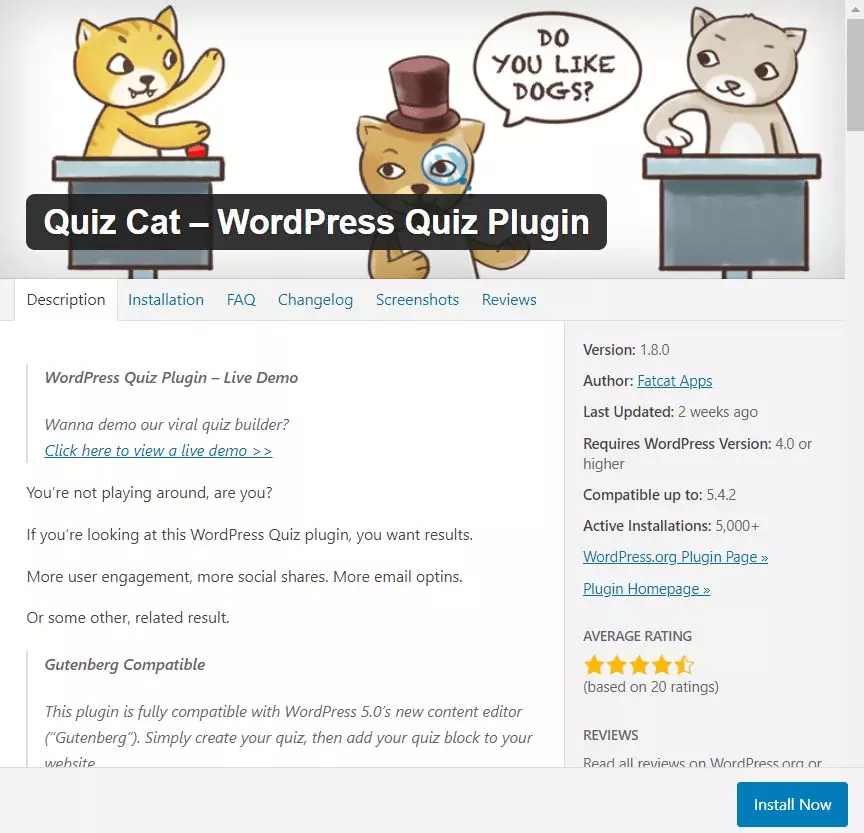
Quiz Cat is the best WordPress quiz plug-in for you if your aim is to use quizzes to increase user interaction, social shares or the number of subscriptions to your newsletter. In other words, Quiz Cat can boost your conversion rate and help your quiz go viral.
Each WordPress quiz created using Quiz Cat has its own landing page with a title, subtitle, and image, and a button to start the quiz. You can also customize the look of the results page so that users see a different page depending on how they score. The plug-in itself is in English, but you can translate all of the text strings in the backend.
| Advantages | Disadvantages |
|---|---|
| Unlimited number of quizzes and unlimited number of questions | Limited to multiple choice questions |
| Regular updates | No HTML support |
| Individual landing page for each quiz | |
| Customizable results pages, linked to user score | |
| Can be embedded using a shortcode |
HD Quiz – a simple tool for creating an unlimited number of quizzes


HD Quiz has over 5,000 active installations, and almost all of its reviewers have awarded it 5 stars. With this WordPress quiz plug-in, you can easily create as many quizzes as you want and publish them on your website or in a post. It offers the following functions:
- Responsive, touch-optimized design
- Options for sharing on Facebook and Twitter
- Built-in timer (per question or for the whole quiz)
- Ability to display additional information after the user selects the correct answer
With HD Quiz you can also include images and GIFs in the questions and answers to make your quiz even more fun and encourage users to take part. There’s also a handy option that randomly selects questions from a pool. Once you’ve got your questions set up, it’s really easy to add a quiz to your website.
| Advantages | Disadvantages |
|---|---|
| Excellent ratings | No support |
| Unlimited number of quizzes | Image size cannot be changed |
| Option to include images and GIFs | |
| Timer function | |
| Several question types |
Chained Quiz – for quizzes that use conditional logic
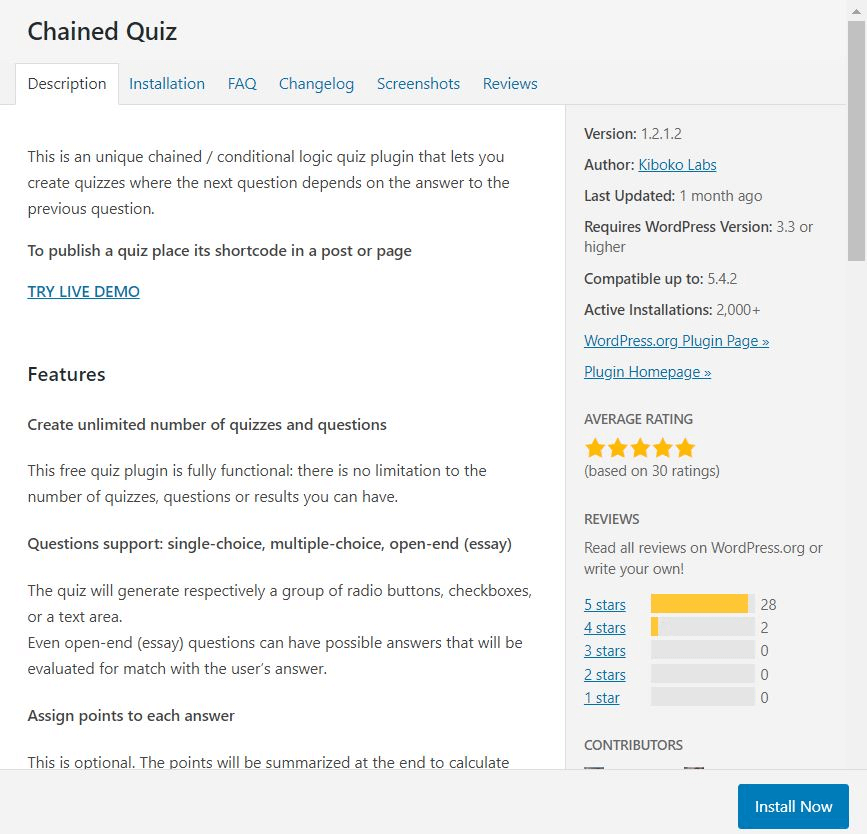
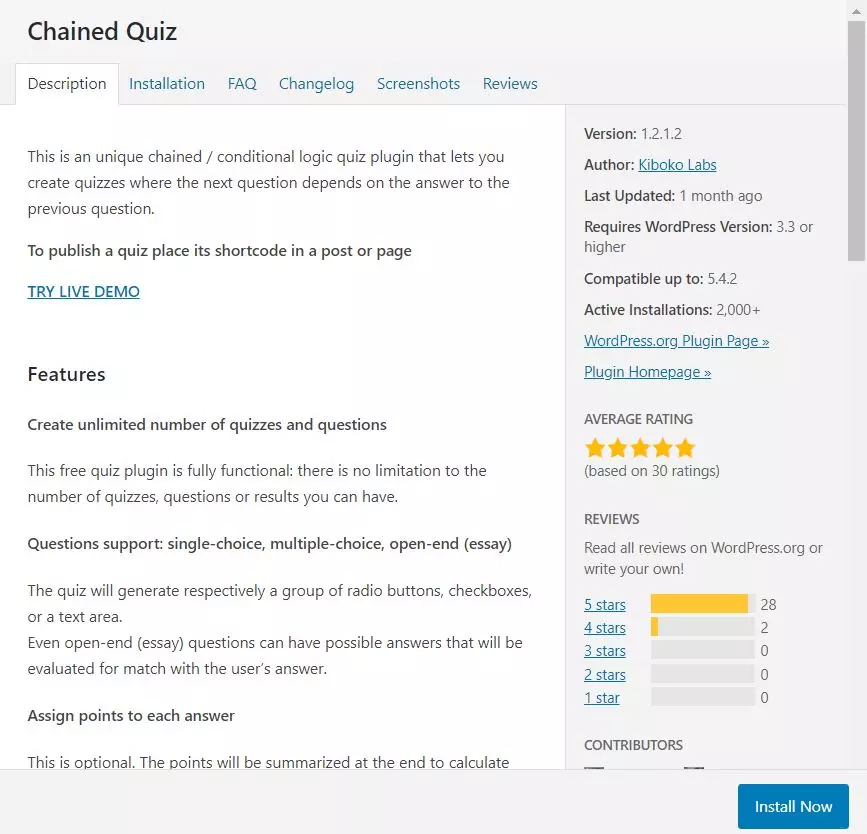
As the name indicates, the Chained Quiz plug-in for WordPress allows you to create “chained” quiz questions. In other words, the quiz uses conditional logic to determine what question to display, based on the user’s previous answer. This type of format is often used for personality tests or knowledge tests where the user is only shown questions from the next category once they’ve answered the previous one. The plug-in supports both single and multiple choice questions as well as text fields in which users are free to type any answer they like. There’s also an option for assigning points and displaying these to users.
| Advantages | Disadvantages |
|---|---|
| Unlimited number of quizzes and unlimited number of questions | |
| Different question types | |
| Conditional logic to determine what questions are displayed |
More and more companies are using gamification as part of their employee training and recruitment activities. The Chained Quiz WordPress quiz plug-in is particularly suited to this, because progress through the quiz can be determined by a user’s answers or adapted to different types of users. With other plug-ins, you would have to create several different quizzes to achieve the same result.
ARI Stream Quiz – a WordPress quiz plug-in for lead generation
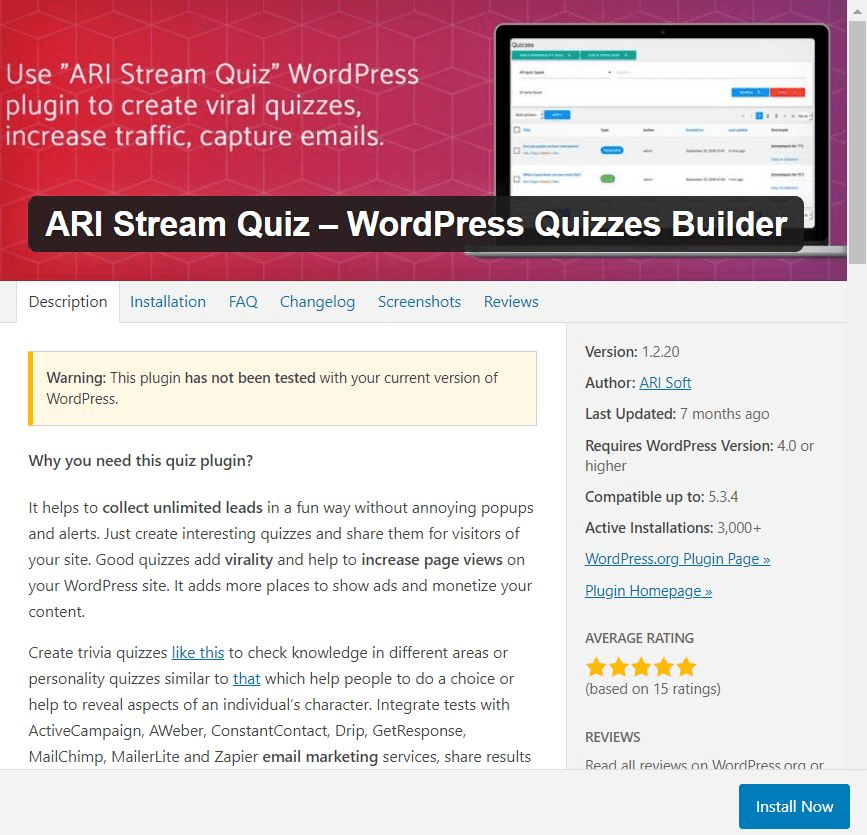
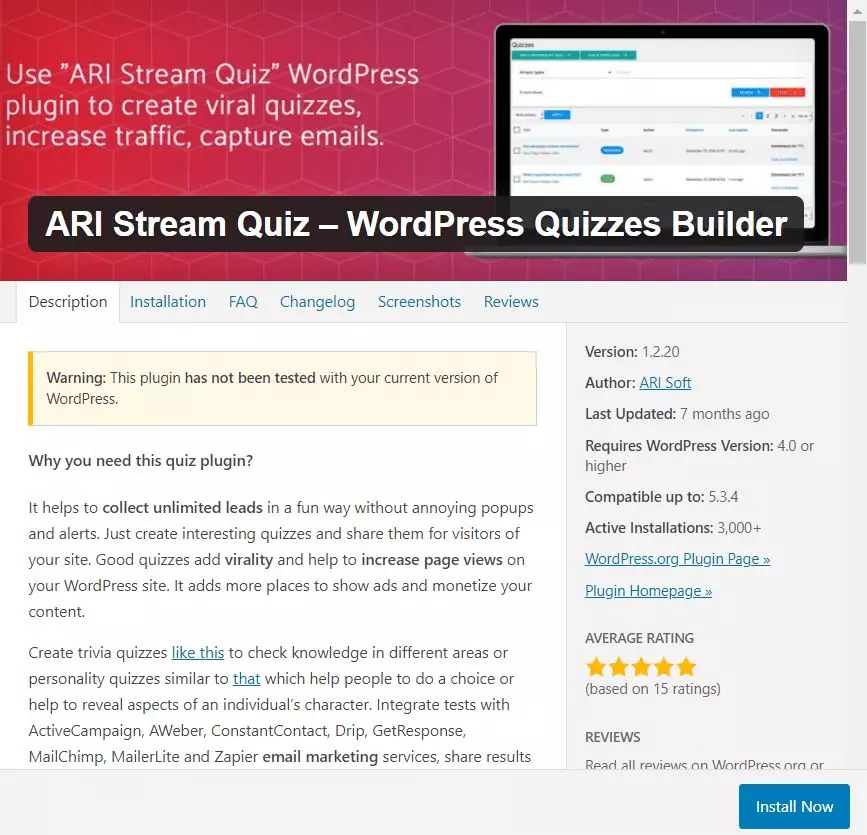
The ARI Stream Quiz plug-in for WordPress collects the username and email address of each participant, making it ideal for lead generation. It integrates with popular email marketing tools such as Mailchimp, ActiveCampaign or MailerLite so that data is transferred automatically. You can also export the quiz results as a CSV file and add images to increase user interaction. After completing the quiz, users can share their results on popular social media channels or via email.
The ARI Stream Quiz WordPress quiz plug-in includes monetization options via ads. The plug-in reloads the browser for each question, so you get more page views and different ads are displayed. Finally, you can either use the built-in “Buzzfeed” or “Standard” themes, or design your own.
| Advantages | Disadvantages |
|---|---|
| Unlimited number of quizzes | Version is outdated |
| Good for lead generation | Media integration requires HTML code |
| Option for adding images | |
| Monetization via ads | |
| Options for designing your own theme |
Comparison table of WordPress quiz plug-ins
All six of the WordPress quiz plug-ins presented above are available free of charge (although Quiz Maker has an optional paid version that offers extra functions). This means you can play around with the different plug-ins at no cost and decide which one best suits your requirements. To help make up your mind, here’s a comparison table that summarizes the points covered above.
| WordPress quiz plug-in | Main advantages | Other advantages | Disadvantages |
|---|---|---|---|
| Quiz Maker | Lots of different question types | Timer function, regular updates, pro version available | - |
| mTouch Quiz | Optimized for smartphones | Practical options for exams/tests | Outdated version, only has multiple choice questions |
| Quiz Cat | Individual landing pages | All text strings can be translated, multiple results pages | Only has multiple choice questions |
| HD Quiz | Option to include images and GIFs | Different question types, randomized selection of questions | No support |
| Chained Quiz | Chained questions | Several question types, CSV export option | - |
| ARI Stream Quiz | Good for lead generation | Can include images and design your own themes | Version is outdated |
For faster response times, automatic updates and an easy way to get started with WordPress, why not try a professional Hosting for WordPress package?