

What are the best Discord alternatives for voice and text chat?

The free voice chat and messenger app Discord is especially popular among young people and gamers. However, if you are looking for a chat app with more security or as a professional communication platform for teams and companies, a Discord alternative is recommended.
- KVM based dev servers for developers
- Scalable to enterprise cloud level
- Pay-as-you-go, per-minute billing
An introduction to the best Discord alternatives
With a discord alternative, you can use a communication app that better meets your needs in terms of security, integration, and hosting than Discord.
| Discord alternative | Features |
|---|---|
| TeamSpeak |
|
| Mumble |
|
| Microsoft Teams |
|
| Troop Messenger |
|
| Slack |
|
| Wire |
|
| Flock |
|
| Steam Chat |
|
| Teamwire |
|
Reasons for requiring a Discord alternative
Discord is an excellent, free tool for video, audio, and text chats and has proven itself in group chats and livestreams. Creating a Discord server is free, and thanks to thematically separated voice channels, Discord is especially suitable for community building online. Disadvantages of Discord include chat bombing, trolling, bots, hate comments, and poor data protection due to user data being resold.
Even though Discord offers individual security settings, alternatives are available that guarantee more security and appeal to a broader audience. The advantages of Discord alternatives include:
- Better integration of third-party software
- Better encryption (e.g., Perfect Forward Secrecy) and privacy (no use of data for advertising purposes like with Discord)
- Broader audience that goes beyond just gamers
The 9 best Discord alternatives
The following overview provides detailed information about which Discord alternatives are available and what advantages and disadvantages they offer.
TeamSpeak
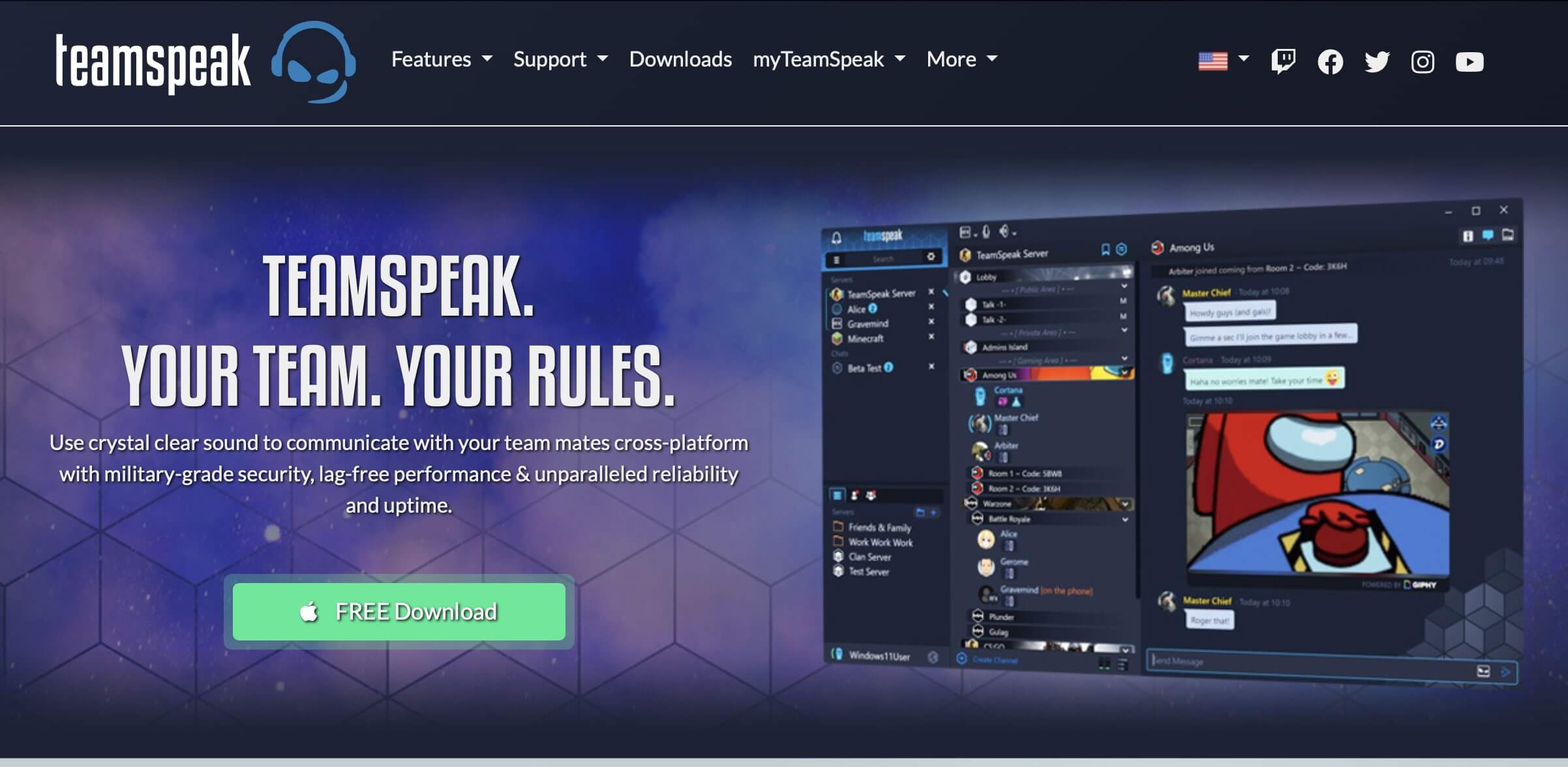
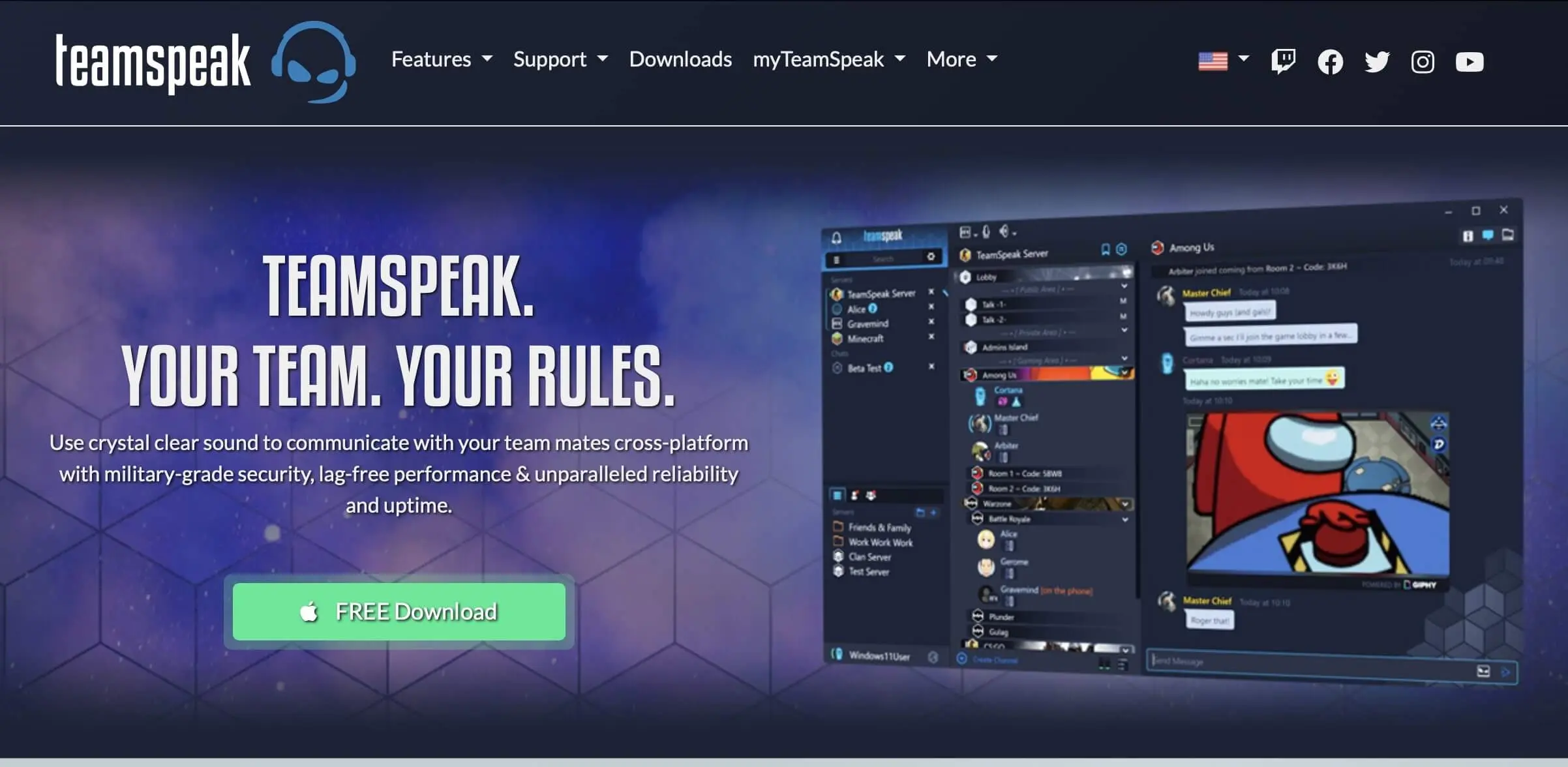
TeamSpeak is the closest to Discord as a free VoIP (Voice-over-IP) software. Just like Discord, the focus is on voice chats alongside online gaming. Among dedicated gamers, TeamSpeak has been one of the most popular voice chat apps for team play for years. Many gamers use the software as a communication tool for digital guilds or clans with their own Teamspeak server. It’s important to note that it functions as a voice app. An add-on or plugin is required for video chats (as of TeamSpeak Version 5).
| Advantages | Disadvantages |
|---|---|
| ✓ Widely used, cross-platform, and large user base | ✗ Other protocols are not supported |
| ✓ Secure end-to-end/AES encryption and protected privacy | ✗ Free plug-in required for video conferencing |
| ✓ Excellent voice/sound quality (noise suppression, automatic volume adjustment, echo cancellation) | ✗ Own, rented, or TeamSpeak-affiliated server required (non-commercial TeamSpeak server setup free) |
| ✓ Saves bandwidth with rates between 5.1 and 25.9 kbit/s | |
| ✓ Free TeamSpeak servers/licenses for non-commercial use | |
| ✓ Available for iOS, Android, Windows, Linux, Mac |
Mumble
Just like TeamSpeak, the free VoIP software Mumble is similar to the Discord app but was released ten years before it. Its focus is on parallel voice chat during gaming. Its primary target audience is the gamer community. Of course, Mumble is also suitable for small teams as a communication and collaboration tool when agreements need to be made without video chat. A client on the PC is also required for Mumble to connect to one of the many Mumble servers or your own server.
One of Mumble’s strengths is the strong encryption of conversations through TLS and AES. New Mumble versions even use ECDHE and AES-GCM encryption for Perfect Forward Secrecy. Another plus is the low latency, resulting in excellent clear sound quality. Since Mumble requires minimal processor power, it runs flawlessly even during intense gaming. A convenient setup wizard is available to assist with installation.
| Advantages | Disadvantages |
|---|---|
| ✓ Open source | ✗ Setting up a Mumble server can be complicated |
| ✓ Unlimited connected channels for chats | |
| ✓ Low latency and high sound/voice quality | |
| ✓ Secure chat encryption | |
| ✓ Audio positioning based on player location in the game | |
| ✓ Digital assistant helps with setup | |
| ✓ Available for Windows, Mac, Linux |
Microsoft Teams
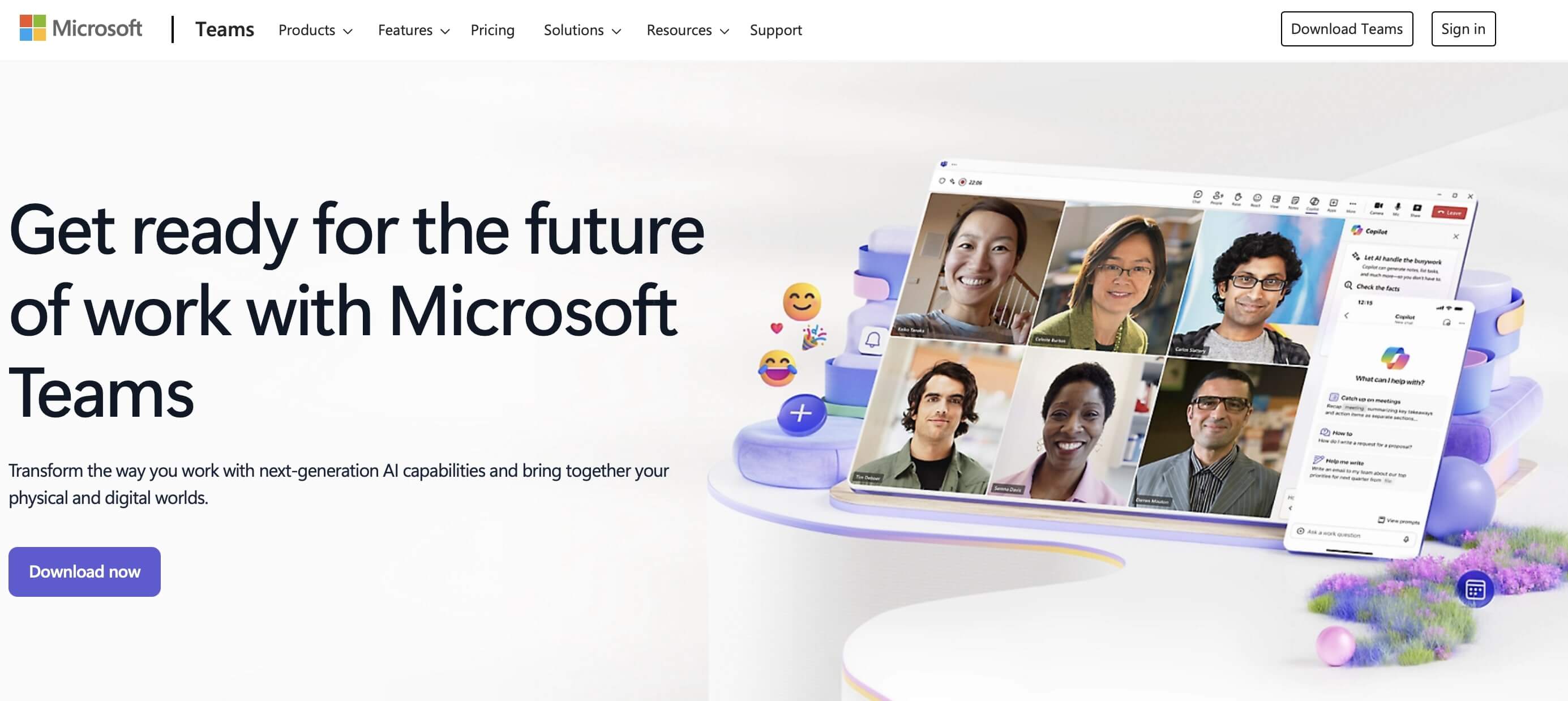
Microsoft Teams is familiar to most Office 365 users. Microsoft’s video conferencing software allows video and voice chats with any number of users and supports all well-known Microsoft apps like Word and Excel with an Office 365 license. Collaboration and efficient project management are effortless with Microsoft Teams as a digital office. Team and sub-team composition is flexible. Meetings and ideas can be captured in OneNote for everyone, files can be stored centrally, and planning can be structured in the shared planner. Although there is a free license, Teams only shows its full strengths with a Microsoft 365 subscription.

| Advantages | Disadvantages |
|---|---|
| ✓ Versatile built-in text/video chat features for teams and project management | ✗ All benefits only available with a paid Microsoft 365 license |
| ✓ Use of Microsoft 365 apps like Word, Excel, or PowerPoint | ✗ Data protection not so good (US servers) |
| ✓ Virtual group rooms for parallel, location-independent, centralized file editing, meetings, and team planning | ✗ Can become confusing with many chats and teams |
Troop Messenger
Troop Messenger is closer to the collaboration tool Slack than the Discord app, yet it also combines chat functions like instant messaging, video calls for conferences, and screen sharing. The user interface resembles classic messenger apps like WhatsApp, which might take some getting used to. However, this simplicity benefits users who need straightforward communication and collaboration tools for small to medium teams. Chats occur in real-time and are documented for later message searches via search filters. The latest versions offer features like:
- Burnout: Closed, private chat with selected team members
- Respond Later: Mark messages for a later response
- Forkout: Group messages to selected team members
- Code Snippet: Integration of code snippets
- Message Forward: Forward single or multiple messages
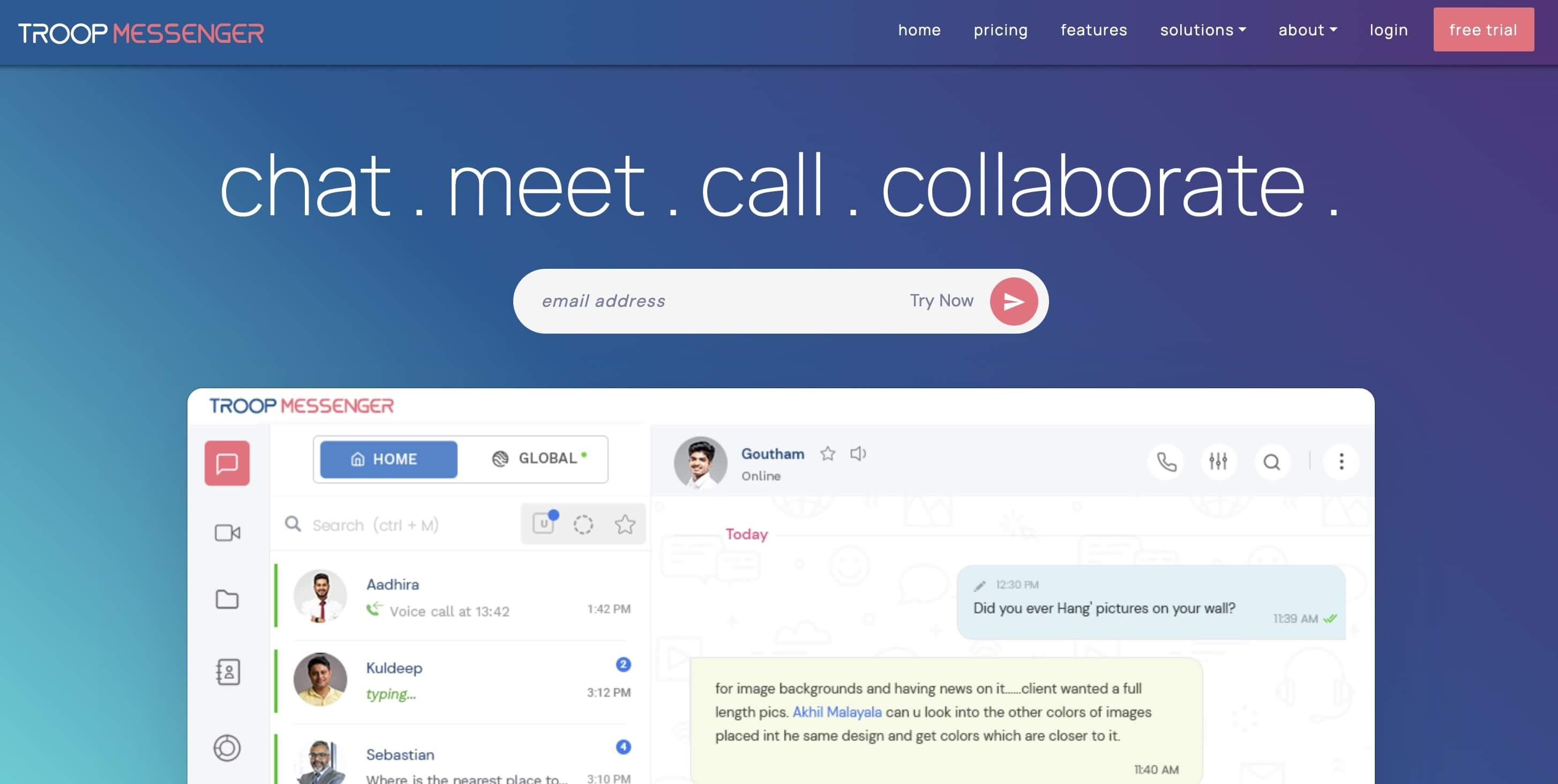
| Advantages | Disadvantages |
|---|---|
| ✓ All essential features for audio/video chats and messaging, including screen sharing and collaboration tools | ✗ Slightly outdated chat interface |
| ✓ Expiring and private messages | ✗ No free plan |
| ✓ Message search and search filters |
Slack
Since the rise of working from home, most office employees are likely familiar with Slack as a video conferencing and collaboration tool. The focus is on business project and teamwork. To this end, the solution offers helpful features such as private messaging, group messaging, search filters, screen sharing, and file sharing. In the free license, Slack includes chat history documentation for the last 90 days. Since large companies need much more, the paid version is recommended in any case.
A central event feed keeps teams updated, while files can be centrally stored for team members. Especially handy: Third-party apps and business tools can be easily integrated into Slack. Using the @ function, users can be targeted even when they’re offline. Although Slack supports text, video, and audio chats, the free version only offers 1-on-1 calls. In the paid version, up to 50 users can participate in audio/video chats.


| Advantages | Disadvantages |
|---|---|
| ✓ Powerful search function for sent/unsent messages, files, phrases, and passages | ✗ In the free version, team chat history is limited to the last 90 messages |
| ✓ Real-time video/audio chats including screen sharing | ✗ Lower data protection as data is stored on US servers |
| ✓ Clear organization with topic-specific channels and teams | ✗ Only 5 GB of storage in the free version |
| ✓ Many features available even in the free version | |
| ✓ Integration of over 200 third-party apps such as Google Calendar, Outlook, and other business/management apps |
Wire
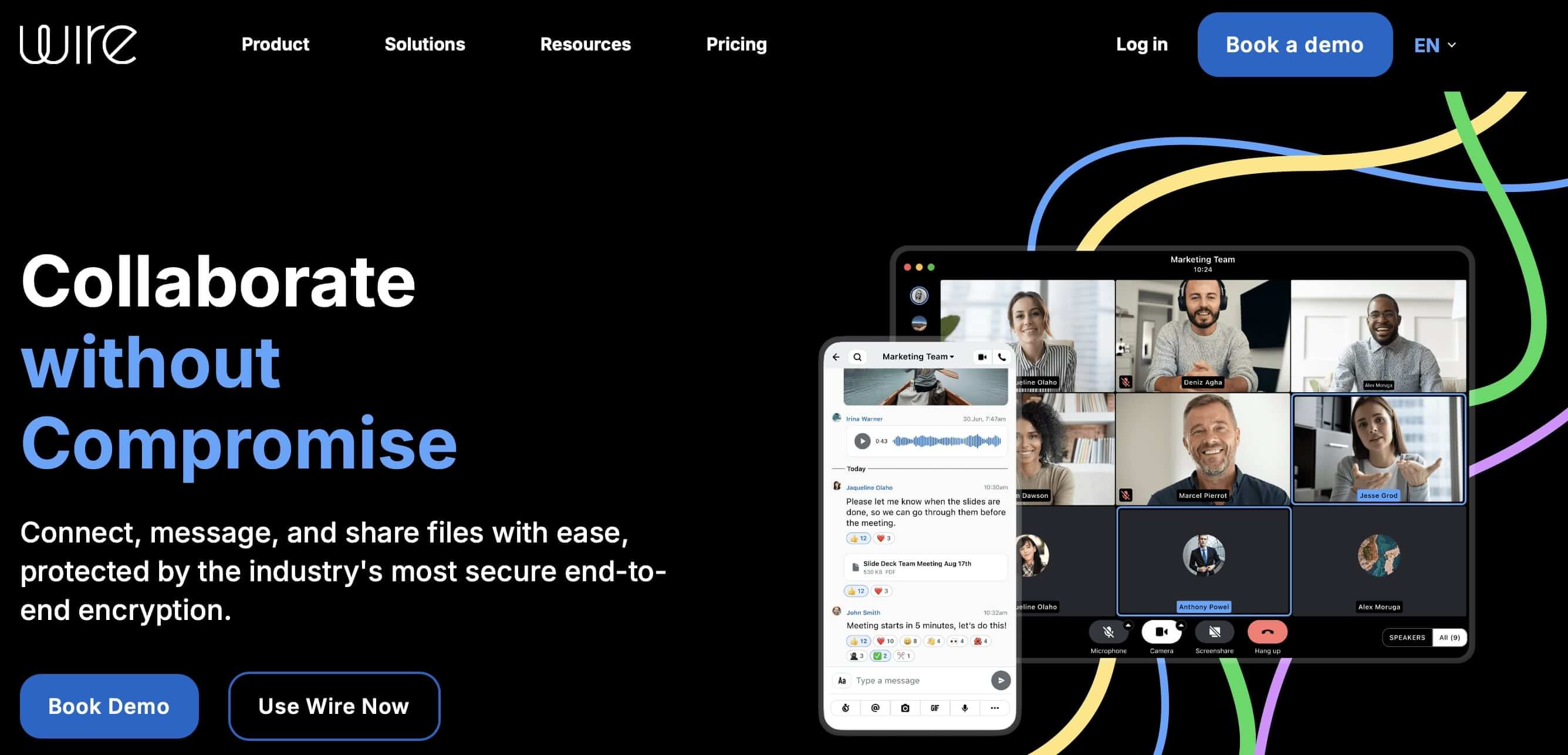
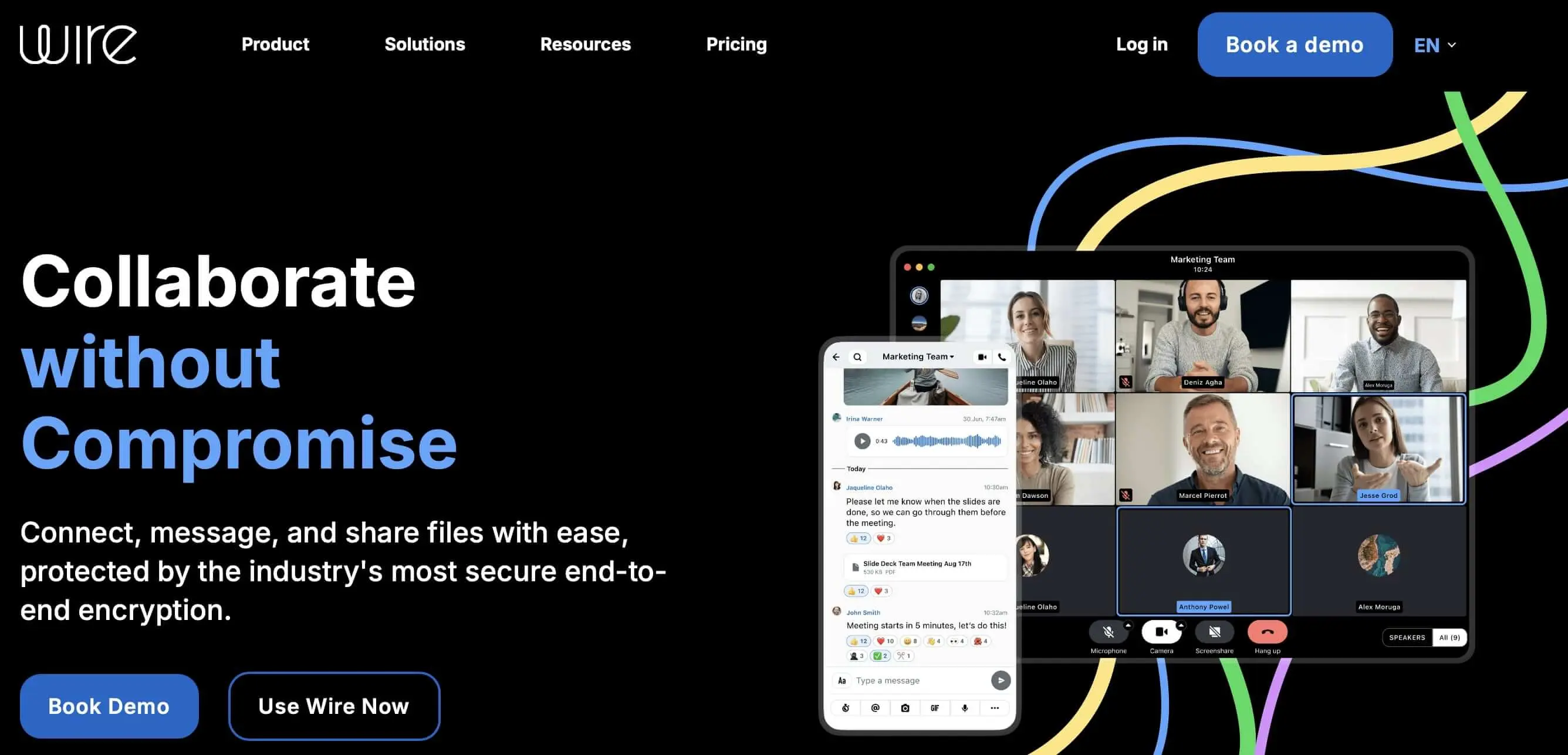
The chat app Wire supports video and audio chats, group calls, instant messaging, file sharing, a ping feature, and reliable end-to-end encryption for files and conversations according to European data protection standards. Data is not sold to third parties, allowing Wire users to enjoy high data protection. Although there is a free app for personal use, Wire is seen as a collaboration app and is geared towards business teamwork with paid licenses for companies. The software is open-source, supports usage over private servers, allows cross-platform synchronization, and only requires a valid email address for registration (no phone number needed).
| Advantages | Disadvantages |
|---|---|
| ✓ Cross-platform synchronization | ✗ Text encryption not at a very high standard |
| ✓ SoundCloud and YouTube integration | ✗ Interface takes some getting used to |
| ✓ Simple, clear features for VoIP calls, group chats, conferences, instant messaging, screen sharing, and sending files and media | |
| ✓ Available for all common systems and devices | |
| ✓ Chat participation via browser even without registration |
Flock
As a team and collaboration software, Flock supports group collaboration and offers features for project management, group messaging, project/team-specific chats, video and audio conferencing, and easy exchange of files and information. Data can be synchronized across devices, making Flock particularly flexible. The free version already includes the main features but limits message searches to the past 10,000 messages. The creation of private group channels is unlimited, while public channels accessible to all members are limited to ten.


| Advantages | Disadvantages |
|---|---|
| ✓ Public and private channels for direct/group chats | ✗ No group video chats in the free version |
| ✓ Integration of third-party software and collaboration tools | ✗ Free storage limited to 5 GB |
| ✓ Project management features with to-do lists, message search, guest access, and code snippet sharing |
Steam Chat
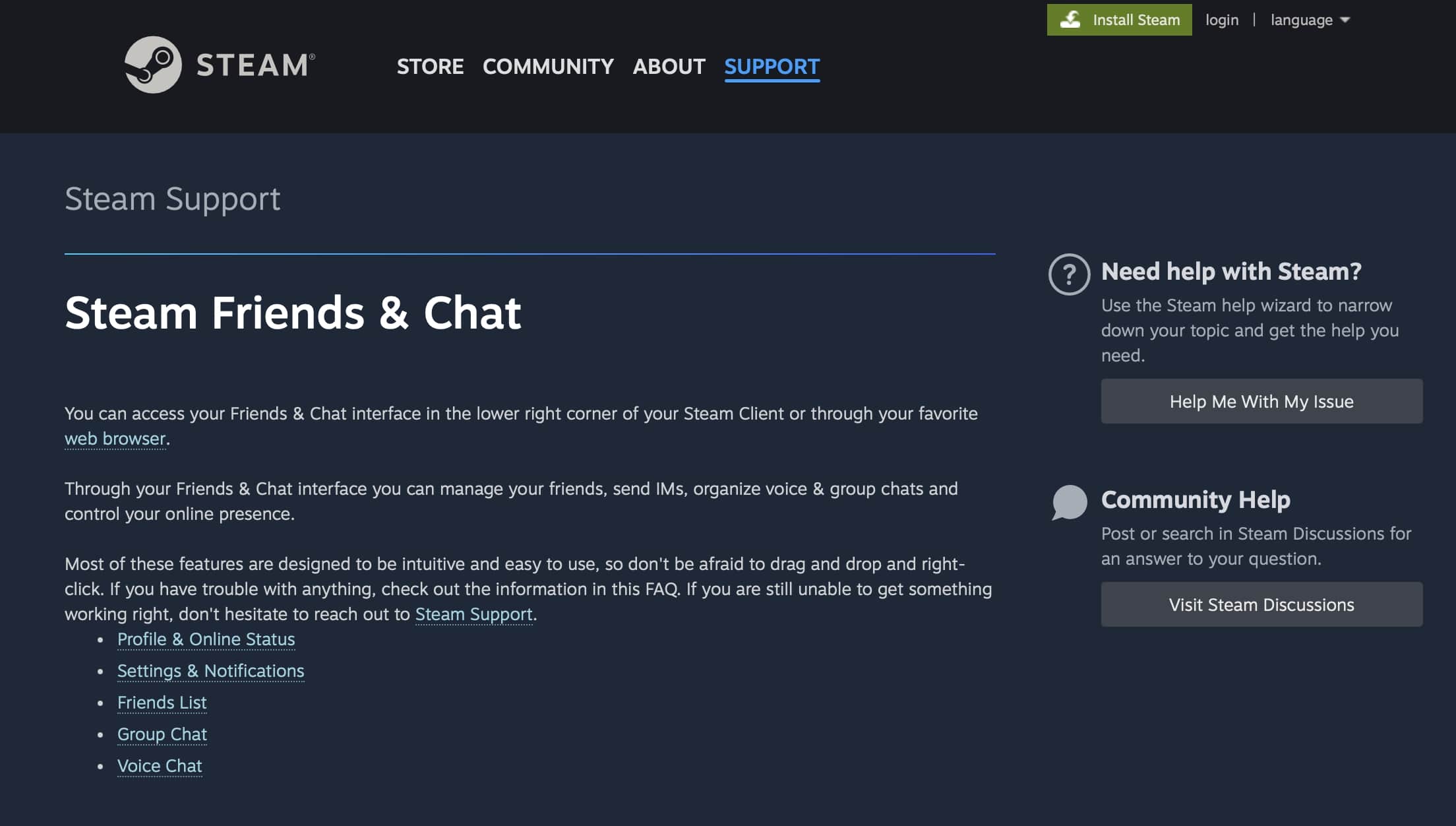
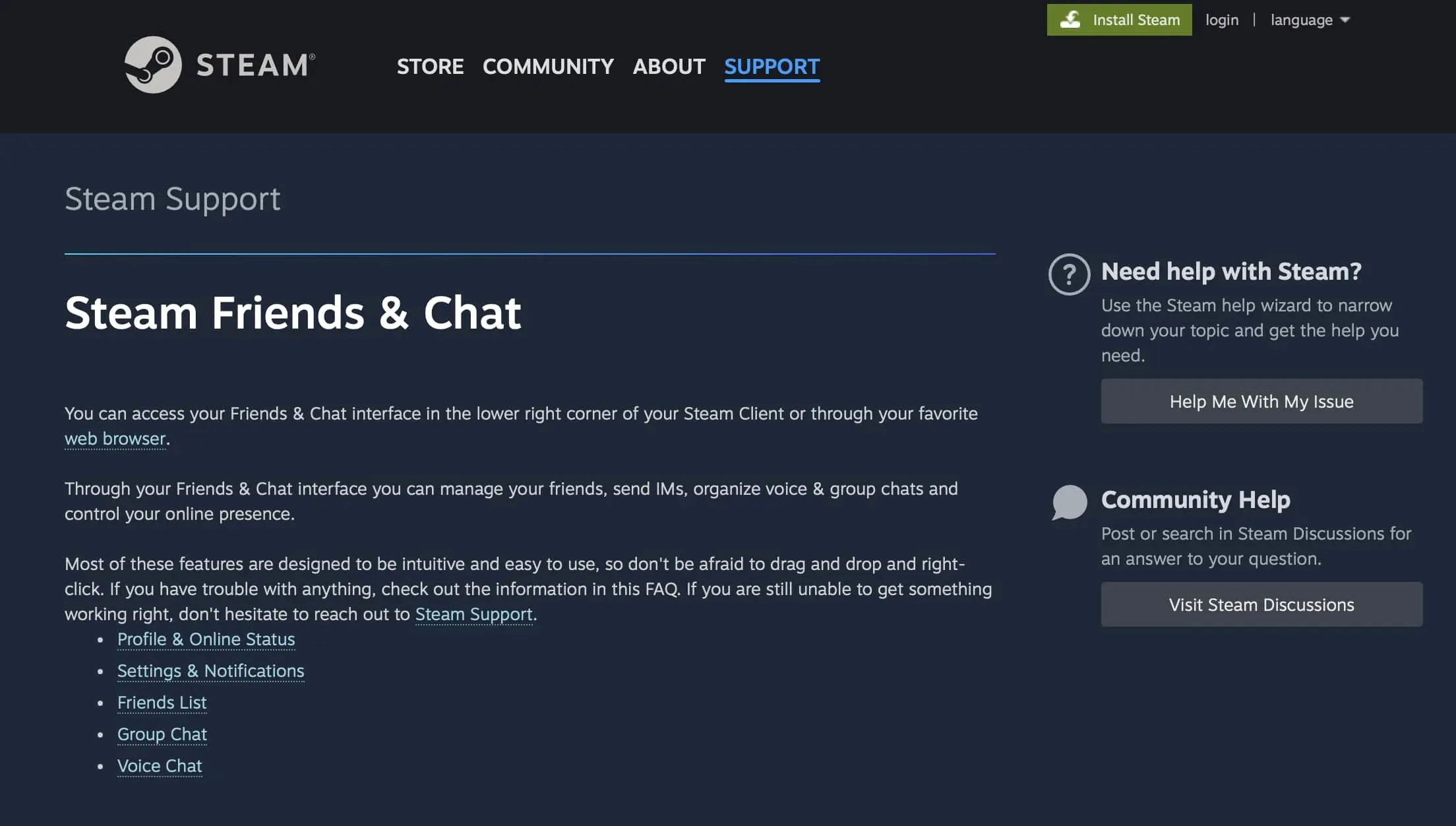
When considering a discord alternative for many, especially as chat software for online gaming, Steam Chat must be mentioned. For Steam users, the integrated voice and video chat by Steam is particularly convenient because it doesn’t require third-party applications. The similarity to Discord is evident in the user interface, ensuring that former Discord users can quickly acclimate. Steam Chat allows the creation of new group chats using drag-and-drop, inviting other participants in this way. There is also a Steam Messenger App for Android and iOS that offers instant messaging and group chats with Steam contacts.
| Advantages | Disadvantages |
|---|---|
| ✓ Quick to get used to due to strong similarity to Discord | ✗ Can only be used with a Steam account |
| ✓ Video, audio, and text chat features | |
| ✓ No external app needed for Steam users | |
| ✓ Community building through various channels and user posting rights | |
| ✓ Messenger app for Android and iOS | |
| ✓ Invite users to a group by sending specific URLs |
Teamwire
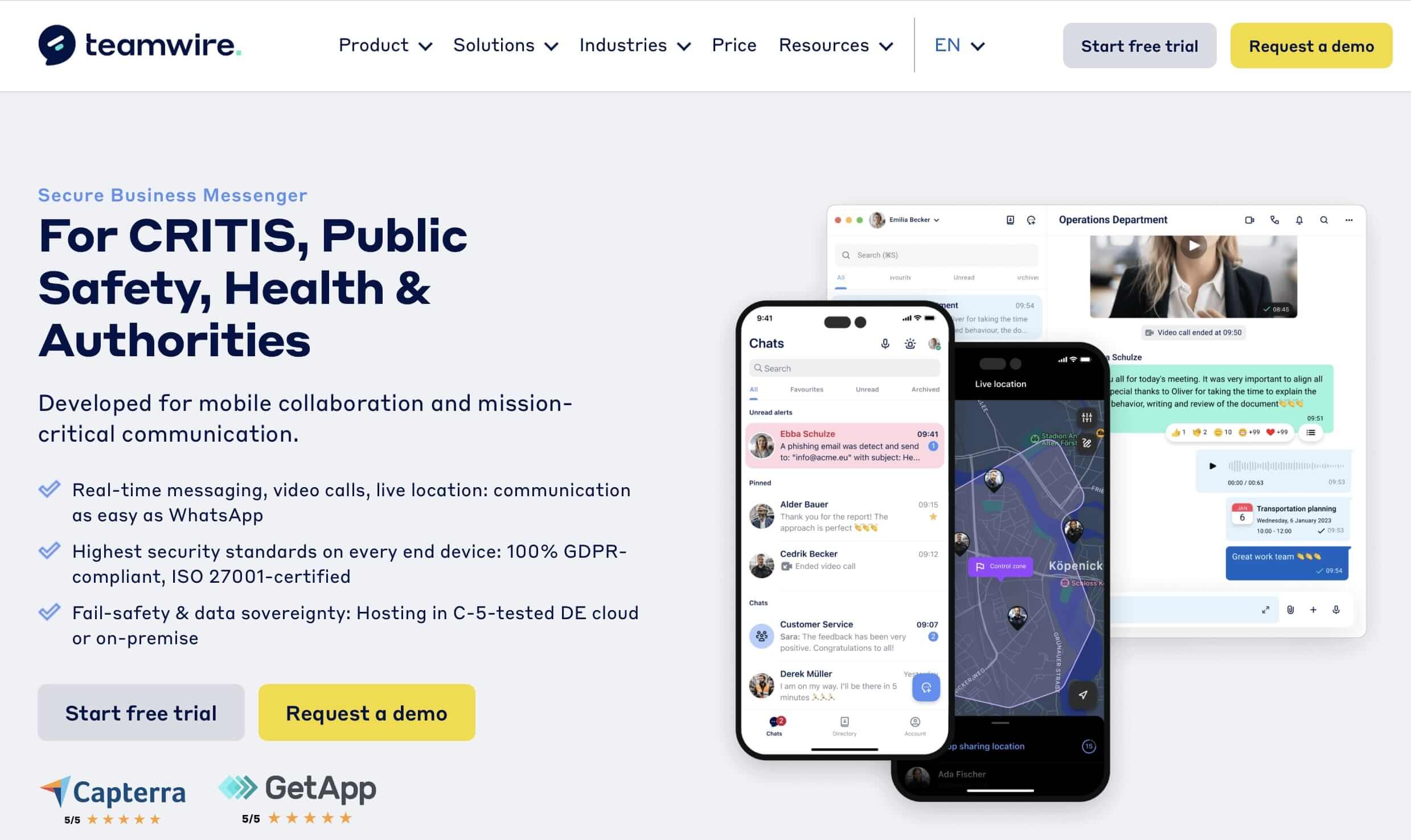
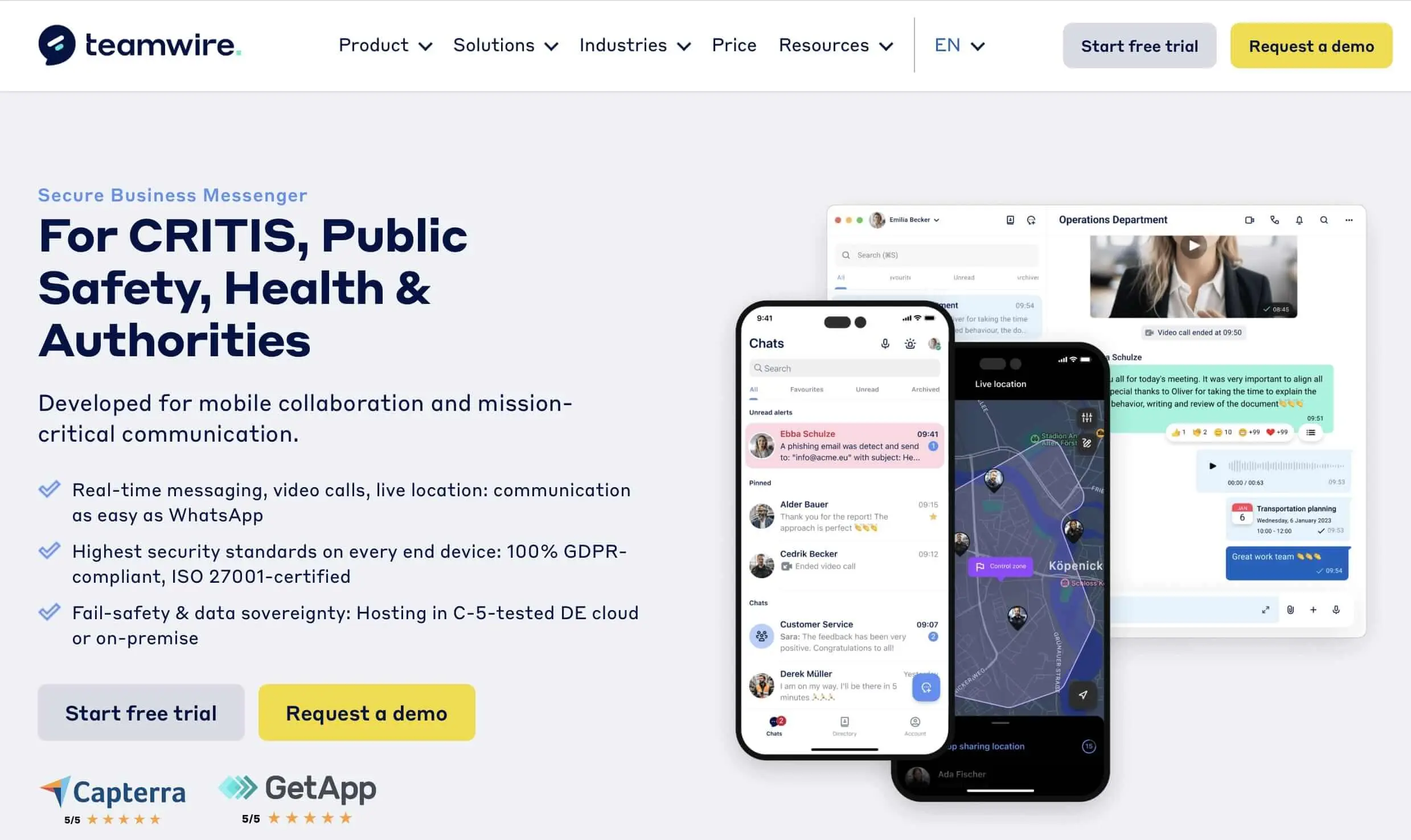
Teamwire is a GDPR-compliant discord alternative specifically developed for professional use in businesses, government agencies, and security-critical areas. The application places special emphasis on privacy, IT security, and user-friendly operation. In addition to classic functions like individual and group chats, file and location sharing, and broadcast messages, Teamwire also supports secure video chats.
For hybrid work environments, the platform offers cross-platform support with apps for Windows, macOS, iOS, Android, and a web app. The simple user interface ensures quick acclimation, while role-based permissions enable an efficient team structure. A standout feature is the hosting concept: Teamwire can be operated both in the cloud and on-premises, a clear advantage for data-sensitive organizations.
| Advantages | Disadvantages |
|---|---|
| ✓ Highest data protection standards (GDPR-compliant) | ✗ No free full version available |
| ✓ Cross-platform use (Windows, macOS, iOS, Android, Web) | ✗ Less suitable for leisure or gaming purposes |
| ✓ Role-based permissions for team structure | |
| ✓ Easy to use with a clear interface |