

What are the best WordPress membership plugins?

Having a membership site for your WordPress website comes with many advantages. When choosing a membership plugin, it’s best to compare the different features that a plugin offers as well as the cost.
What is a membership site?
Creating a membership site is a great way to generate more revenue and increase customer loyalty. Having such a site allows you to offer premium content, stay in contact with site visitors and build a strong community. By requiring a subscription to access certain content, you can also generate an additional stream of income. With membership plugins for WordPress, you can easily manage subscriptions and divide your website into different areas. In this article, we’ll explain how to create a membership site and highlight some of the best tools for doing this.
A website as unique as your business. If you buy a domain at IONOS, not only do you get the address you want, but you’ll also have access to numerous security features and 24/7 customer support.
What are the different types of membership sites on WordPress?
In the world of WordPress, not all membership sites are alike. There are a number of plugins available that carry out different tasks and cater to various membership site models. Before creating a membership site for your WordPress site, you first need to consider what the added value will be for your customers. This means considering not only what you would like to offer your customers, but what you are able to offer them as well. The following models are some of the most popular:
- Premium content: Consider using this model if you want to create a paywall for high-quality content on your website. You can use teasers to attract interest for articles or images, but users can only unlock these after paying a fee. If you want to create an online store with WordPress, you can use this model to reserve certain products for members.
- Course model: This model is especially helpful for those looking to offer online courses. You can advertise a course on your general website and upload the course material to your WordPress membership site. Only after students have enrolled in your course, will they be able to access course material, like videos, documents, quizzes and surveys.
- Community: With the community model, you can create an additional source of revenue while also cultivating customer loyalty for your brand. While part of your website is freely accessible, only paying members are allowed to comment, use the forums or participate in live chats.
- Drip content: With this model, you can gradually release content. This can be especially useful for course instructors who want to ensure that participants complete course material in the order outlined in the syllabus. This model also gives you the possibility to release bonus material on a monthly basis.
- Temporary subscriptions: The temporary subscription model is ideal for a program that is only offered for a couple of weeks or months. Participants are required to pay a fee to access content during this time, but do not have any additional obligations after the program or course has ended.

What do you need for a WordPress membership site?
Before you decide to add a membership site to your WordPress site, you should think about what it needs in order to be successful. In addition to having enough high-quality content, you also need to think about the technical demands that come with operating such a site. Membership sites are very resource intensive. Therefore, we recommend using managed WordPress hosting and installing lead generation to ensure your site is secure and stable.
Want automatic updates, managed WordPress hosting and strong performance? Choose from numerous helpful tools and use the tariff that best suits your needs with Hosting for WordPress from IONOS.
What features should a WordPress membership plugin offer?
Different WordPress membership plugins offer different features. Your needs and goals will determine which membership plugin is right for you. However, we recommend first narrowing your search down to plugins that have the following features:
- Intuitive profile and member management
- API access for developers
- Social logins
- Templates for course structure, coupons or discount promotions
- Different subscription models
- Different WordPress themes
- Different payment options
- Email marketing
You can find everything you need to know about the world’s most popular CMS in IONOS’ Digital Guide. Learn how to create a WordPress blog, what the best WordPress Instagram plugins are, how to speed up your WordPress website and much more.
The 5 best WordPress Membership Plugins at a glance
| WordPress Membership Plugin | Pricing |
|---|---|
| LearnDash | from $159 per year |
| WooCommerce Memberships | from $199 per year |
| MemberPress | from $159 per year |
| WP Members | free (support subscription $59 per year) |
| Teachable | free (premium from $348 per year) |
Data as of December 2022
A closer look at the best WordPress Membership Site plugins
Similar to WordPress plugins, there are also countless membership plugins to choose from. Since it can be time-consuming to sift through them all, we’ve made a list of the most noteworthy contenders here:
LearnDash


LearnDash specializes in the creation and distribution of online courses. With an extensive range of functions, it’s a virtual course instructor’s dream. With this WordPress membership plugin, you can easily set up courses and track students’ progress. However, due to its relatively high price, this tool is best suited to those who are planning to offer several courses.
| Pros | Cons |
|---|---|
| ✓ Ideal option for courses with templates and other learning resources | ✗ Relatively high cost |
| ✓ Quiz design functionality | ✗ Slight learning curve with setup |
| ✓ Comprehensive discussion forums | |
| ✓ Customizable certificates that can be issued and used immediately |
WooCommerce Memberships


While there are alternatives to WooCommerce, the eCommerce platform is still leading the market. The WordPress membership plugin WooCommerce memberships is a powerful option if you want parts of your website to only be accessible to a select group of people. Discounts, locked products and partial restrictions within subpages are all easy to do with this plugin. It does come with a hefty a price tag though.
| Pros | Cons |
|---|---|
| ✓ Lots of features | ✗ Relatively high cost |
| ✓ Great customer support | ✗ No add-ons available |
| ✓ Extensive customization | |
| ✓ Clear structure |
MemberPress
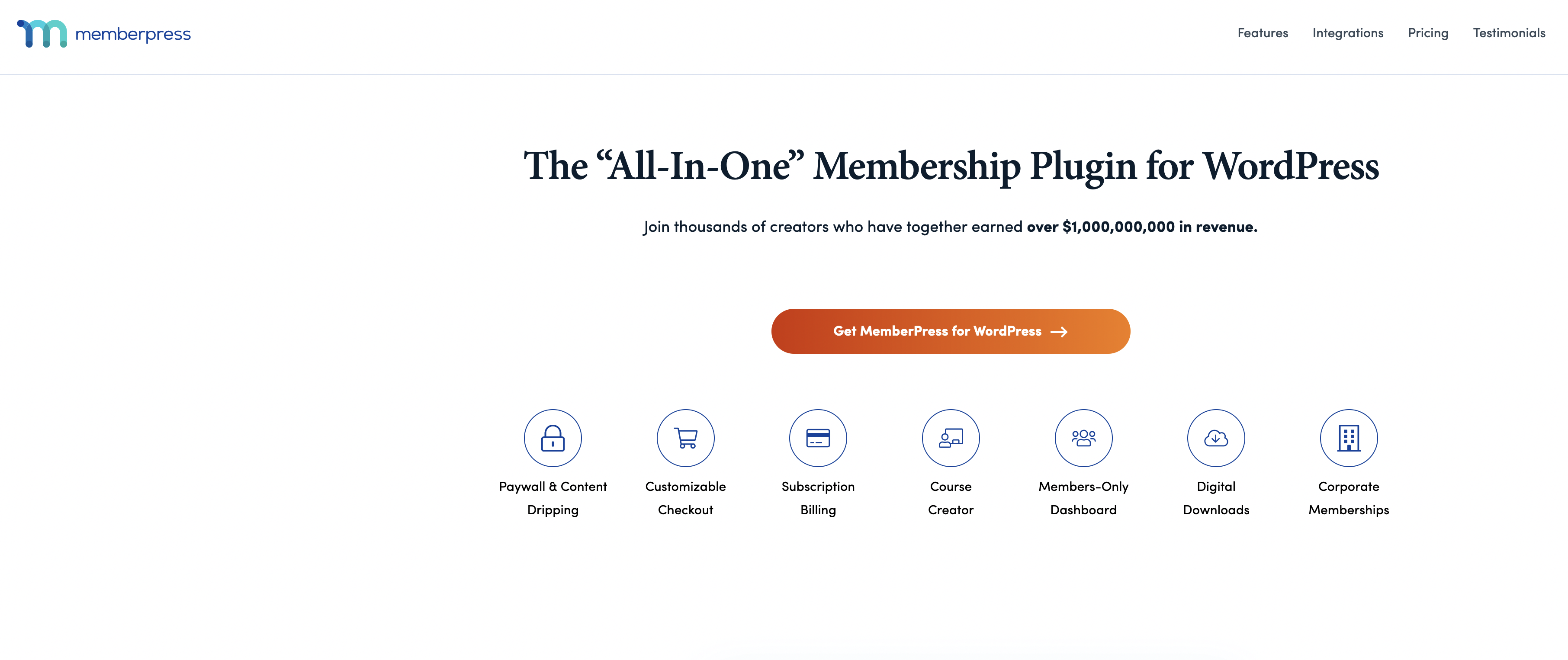
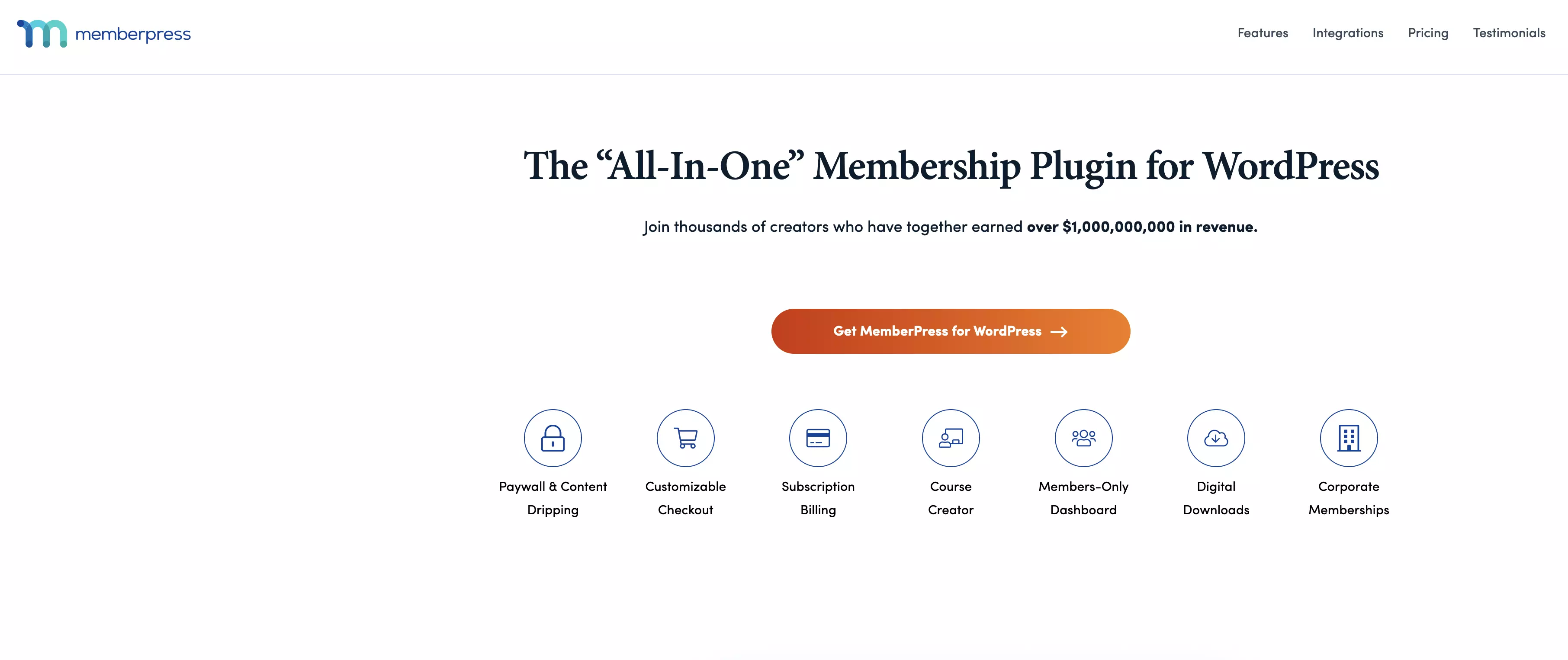
MemberPress is another high-priced yet feature-rich WordPress membership plugin. The tool is not only intuitive to use, but it also boasts many additional features that will make your membership site even more attractive. These include a well-designed access control system, numerous payment options, excellent integration with email marketing software and many optional add-ons.
| Pros | Cons |
|---|---|
| ✓ Lots of features | ✗ Relatively high cost |
| ✓ Thousands of integration partners | |
| ✓ Lots of payment options | |
| ✓ Tons of optional add-ons |
WP-Members


WP-Members has opted for a different approach by offering users a WordPress membership plugin that is completely free of charge. If, however, you want access to customer support and add-ons, you’ll need to pay a fee. While this tool has a considerably smaller range of features, you can customize it at an affordable price.
| Pros | Cons |
|---|---|
| ✓ Free | ✗ Limited scope |
| ✓ Powerful customization capabilities | ✗ Very little support for the free version |
| ✓ Extremely flexible | |
| ✓ Lots of API functions |
Teachable


If you want to offer online courses on your website, Teachable is certainly one of the best plugins. The intuitive builder is extremely versatile and the different pricing options means there’s something for everyone. From the initial creation to the maintenance and billing of a course, this tool has everything for your teaching needs.
| Pros | Cons |
|---|---|
| ✓ Tiered pricing model | ✗ Programming knowledge required for some customization options |
| ✓ User-friendly | |
| ✓ Intuitive builder | |
| ✓ Exceptional design |
When done correctly, a membership site can enhance your current WordPress site, create a strong sense of community in your customer base and generate a new stream of revenue. Since many WordPress membership plugins can be somewhat costly, it’s best to perform a cost-benefit analysis before deciding on one.