

Inventory control in online trading

Your efforts have finally paid off and your webstore is beginning to gain traction, but not only is your customer base growing; your sales numbers and revenue are both steadily increasing too. If you have a wide range of products and you export your goods manually, the business’ growth could spell disaster for your organizational systems, resulting in supply shortages and, ultimately, dissatisfied customers.
In order to prevent such scenarios from happening, and to bring structure to your shipment procedures, stock control systems (ERP systems) should be put in place. A stock control system (also known as warehouse management system) links purchasing, sales, and stock management and then integrates these processes directly into your store software. As an online store operator, you can manage your entire online business centrally and easily gain sales from other platforms, such as Amazon or eBay, thanks to a simple interface.
- Focus on your business while we set up your shop
- Copywriting, SEO, maintenance and more included
- Learn how to manage your site with free training
What is a stock control system?
The term “stock control system” describes a form of business software that enables all data on the inventory to be recorded and processed, as well as the associated processes (purchasing and sales as well as incoming and outgoing goods). Corresponding programs map all article data according to sales channel (stationary trade, webstore, online marketplace) and process them clearly. Their purpose is to optimize the control of the flow of goods, to accelerate business processes, and therefore contribute to increasing sales in the long term.
In addition, a warehouse management system also supports other business areas - such as personnel management and scheduling - by simplifying or even automating certain tasks. A good stock control system also offers application programming interfaces (API) to external applications such as accounting programs, invoicing software, and cash register systems as well as to online marketplaces such as eBay and Amazon.
- Up to 50 GB Exchange email account
- Outlook Web App and collaboration tools
- Expert support & setup service
Core features of the stock control system
A stock control system covers the following everyday tasks:
- Structuring purchases: controlling and analyzing purchases is a vital element of any shipping business. Warehouse management systems help you order in a cost and demand-effective way, and also help you manage resources.
- Structuring sales: the software takes control of managing your personal data, the customers’ data, as well as all other information relevant to sales. It also assists in planning and executing temporary, short-term, and seasonal tasks such as advent calendars.
- Receiving goods: stock control systems organize the delivery of the stock you’ve ordered. They can help organize the intake of stock and check the contents and the invoice.
- Shipping: when a customer places an order, the inventory management software processes the task up until the shipping procedure. Generally, shipping is controlled via scanner technology, so you always have your current inventory at a glance.
- Warehouse management: stock control systems have a range of useful functions to help with the structuring of your warehouse. These include labeling systems for products and functions to facilitate inventory processing. Some systems also help to optimally manage available storage space.
Inventory management software can automate the numbered sections with the appropriate modules e.g. purchasing modules or shipping modules. These gather the necessary information from databases and your chosen software via an interface. This information includes the barcode scanner app used in the warehouse, your store solution, and your checkout software. The interfaces use a particular data exchange format, i.e. XML or CSV, and controls sales in external marketplaces.
You’ll often encounter ERP (Enterprise Resource Planning) systems in conjunction with stock control systems. These can be used for resource planning, although their range of functions goes significantly further and includes modules for staff management, document management, and controlling, among other things. Many ERP systems also include standard stock management modules, making them ideal for use in online trading.
Stock control systems: Advantages for offline and online trading
The advantages of a warehouse management system quickly become clear when you consider what an enterprise would be without the appropriate software:
All work steps - be it procurement of goods, invoicing, or sales calculation - would have to be carried out manually. Purchasing, sales, repeat orders and stock transfers would have to be laboriously recorded in a warehouse register. With more than a hundred different items, it would be hard to keep an overview: You could only find out the total stock of your goods, if at all, with an inventory. In addition, there would be a high chance that certain products would suddenly no longer be available due to high demand - to the displeasure of the customer. Conclusion: Above all in e-commerce, handling your goods without software support becomes a time-consuming and cost-intensive affair, which is accompanied by high personnel requirements and a certain susceptibility to errors.
A well-managed stock control system helps you with all the above tasks and saves you time, effort and money. It also reduces the error rate and offers extensive functions and services to improve the economic performance of your company.
Hundreds or even thousands of items are quickly recorded in a single database and can be retrieved from any workstation. Real-time statistics and reporting give you maximum visibility and overview of your inventory - even if you operate multiple warehouses at different locations. At the touch of a button, you can also obtain detailed information of all items. For example, you can find out where a certain item is located, how many are still available, and how high the demand for the product is. Shortages can therefore be quickly traced. And, depending on the scope of functions, the computer-controlled warehouse management system can arrange repeat orders totally automatically.
Important criteria when choosing a stock control system
Which software solution is the right one for your online store depends on various criteria: On the one hand, the industry and business area play an important role. On the other hand, the number of users and the compatibility with the shop software used must be taken into account, as the latter is usually set up before the stock control system.
Another important selection criterion is the desired range of functions. This usually depends strongly on the respective provider and should ideally fit the individual requirements of your company. For example, manufacturing companies need an interface to integrate a graphical planning board. Sales representatives benefit from mobile solutions that enable them to access the inventory at any time.
In any case, a warehouse management system should have the following modules:
- Master data administration module: The “core” of a stock control system contains the data of all suppliers, articles, storage locations, and employees. After being entered by hand, by scanning, or by means of a CSV file, the data is available for all business processes (purchases, returns to suppliers, bookings to another warehouse, sales, returns from the customer, etc.) independent of time and place.
- Incoming goods module: The same is required, among other things, to quickly transfer the data from an electronic delivery note into the system.
- Warehousing module: This module is used to manage several warehouses (e.g. in other branches) and to transfer goods to different storage locations.
- Sales module: It contains an interface to the cash register system and (in e-commerce) to the shop system as well as to any online marketplaces with which data is exchanged in real time.
- Returns module: This module handles the organization of returns.
- Inventory module: The task of this module is to completely record the current stock levels at the end of a fiscal year and to compare them with the calculated stock levels.'
- Controlling modules: They provide detailed data that is relevant for business decisions, e.g. best and worst seller lists as well as sales statistics by article, product group, assortment area, stores, and employees.
- Interfaces to accounting and CRM: External programs can be linked to automate monthly accounting or manage customer relationships. Keyword: Customer Relationship Management.
Last but not least, the estimated budget also plays a part in deciding which systems are suitable for you. Especially for younger and small to medium-sized shops, purchasing an expensive complete solution is often not an option. For a high price, you can buy software with complex functions that you don't really need. For operators of smaller stores, cheaper software with limited functionality is usually sufficient - it also offers numerous advantages over manual administration.
Stock control systems: Overview of selected suppliers
In the past, warehouse management systems were mainly found in large retail chains, but in recent years, they have also been used more often in small and medium-sized enterprises (SMEs). As a result, the range of service providers and software solutions on offer has become more diverse and now covers a considerable range: from ERP systems for large budgets to free open source programs. We present five impressive systems covering all price and feature ranges:
Fishbowl
Fishbowl Warehouse is able to integrate with many other desktop solutions such as QuickBooks, meaning users can continue using the accounting software that they’re familiar with. This solution can also be teamed with up Xero, a web-based accounting solution for small, medium, and large businesses: you won’t have to waste time on double data entry since your accounting and inventory records match up.
The inventory management features are very advanced when it comes to the Fishbowl Warehouse solution. These features enable you to manage multiple warehouses, track items using your desired criteria, reorder products automatically, as well as generate barcodes. The multi-currency feature means you can record sales from other countries and the software will convert the amount into dollars for more accurate tax records.
Fishbowl offers a 14-day free trial so you can test the product without committing to it. A demo is also provided to help you get to know the software a little better. If you decide to purchase it after the trial, it will set you back $4,395.
The system is stored on third-party servers, meaning it can be accessed from anywhere, and works on Mac, Windows, and Linux platforms.
| Advantages | Disadvantages |
|---|---|
| ✓ Easy to use and familiarize yourself with | ✗ Data safety cannot be guaranteed |
| ✓ User interface is simple to get to grips with | |
| ✓ Can be accessed from anywhere: convenient and flexible | |
| ✓ Offers a lot of features |
Sortly Pro For Business
Sortly Pro is a cloud-based inventory management solution that caters to small and medium-sized business no matter the industry, and runs on Max, Windows, and Linux. Their business plans comprise Free (for one user), Advanced (for three users), Ultra (for five users), and Enterprise (for unlimited users) and monthly prices are $0, $39, $99, and for the Enterprise version, you need to personally contact Sortly for pricing.
Sortly Pro For Business is a totally customizable system where you can add multiple photos of each item and its corresponding details, providing you with a more intuitive way to keep on top of your stock even if it’s at multiple locations. Main features include location tracking, activity tracking, inventory management, audit trails as well as barcoding.
There’s a free trial so you can see if this stock control system is something for you. Well-known brands that trust Sortly include Hewlett Packard, Honeywell, and Coors.
| Advantages | Disadvantages |
|---|---|
| ✓ Easy to use and aesthetically-pleasing interface | ✗ No low inventory alerts |
| ✓ Product categorization is simple | ✗ Permission must be sought often from non-admin users |
| ✓ Minimal familiarization time required | |
| ✓ Offers a free package for single users |
Odoo
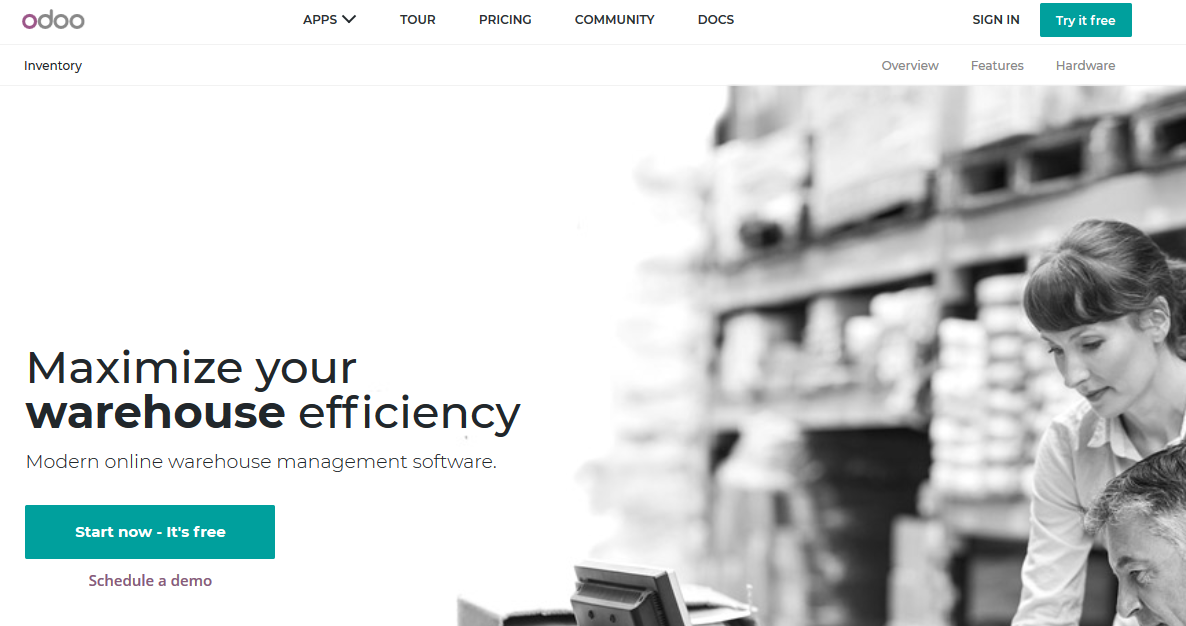
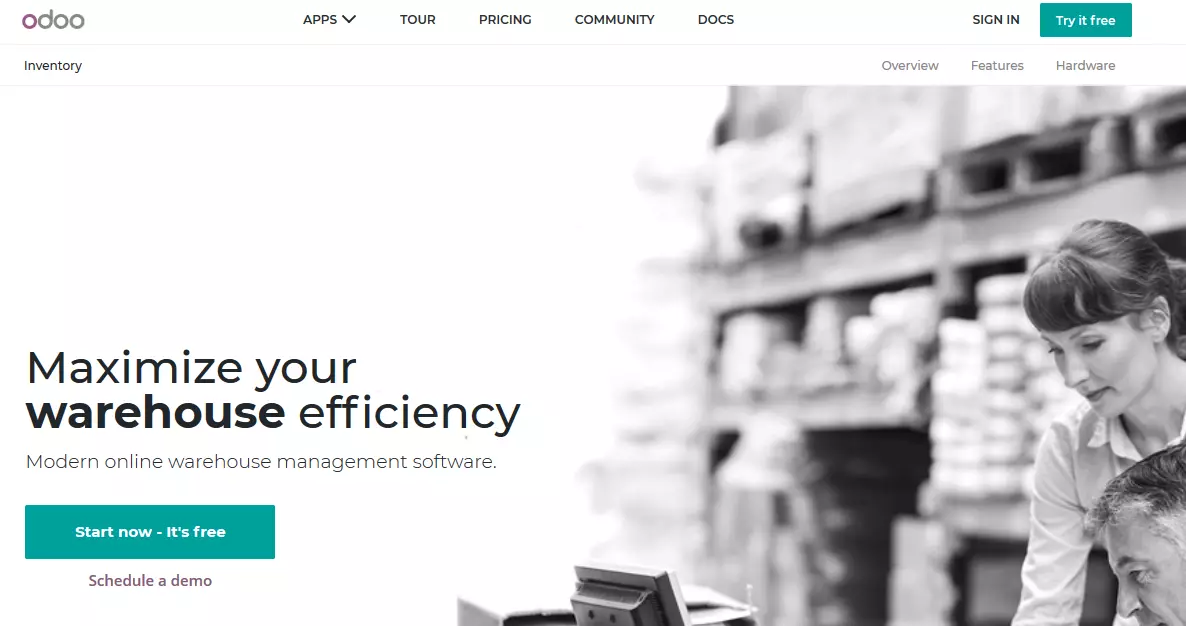
Odoo is an open-source suite comprising business applications; sales, CRM, project management, manufacturing, inventory, and accounting in one. The software is also customizable and can be used by any company, no matter the size. It runs on Mac, Windows, and Linux platforms and each module is interconnected so that users can enjoy an integrated experience between the apps.
Odoo’s pricing is a little bit different in that it offers a wide selection of apps and you choose the ones you want for your business. This “build your own” approach means that you won’t be paying for any superfluous apps. The inventory app costs $27 and you can choose the type of hosting at no extra cost: cloud hosting, on-premise, or dedicated cloud.
The app’s total traceability means you can track each item’s move from purchase, to warehouse bin, to sales order. The real-time reports means you’re always kept up-to-date and you can easily share these reports with others. You can schedule a demo to see if Odoo works for you.
| Advantages | Disadvantages |
|---|---|
| ✓ Easy to use – all modules are similar | ✗ Features are constantly evolving and therefore not always on top form |
| ✓ No need to re-enter data since all apps are connected | ✗ Updates often crash the software |
| ✓ Can create your own modules – very customizable | |
| ✓ User-friendly interface and wide selection of apps |
Finale Inventory
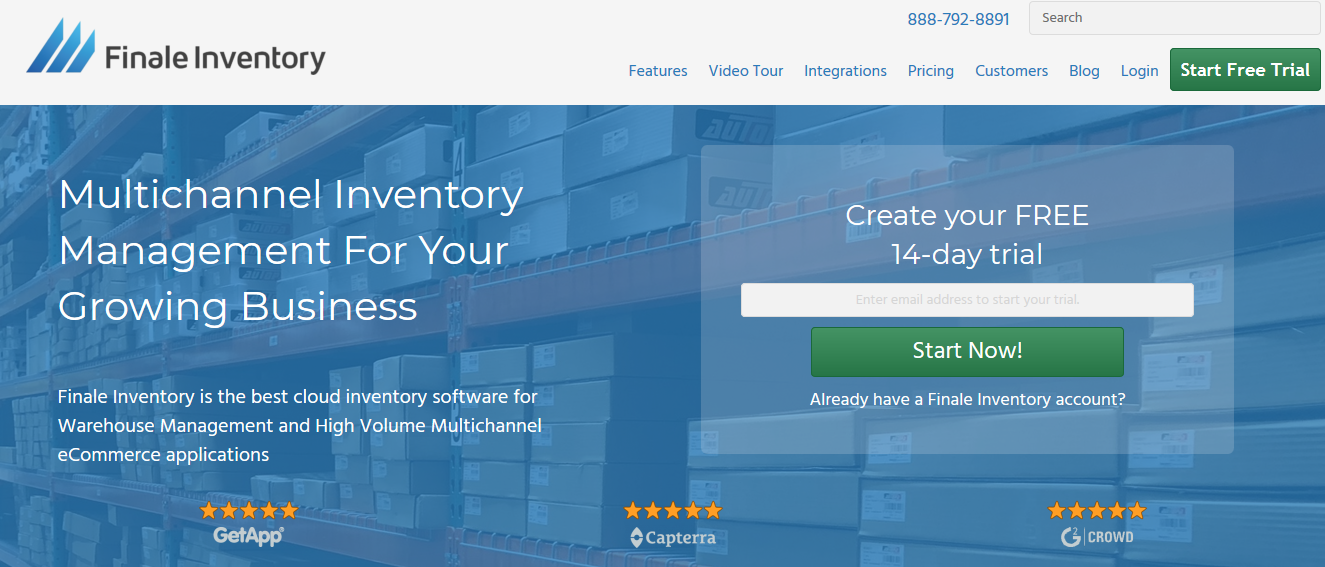
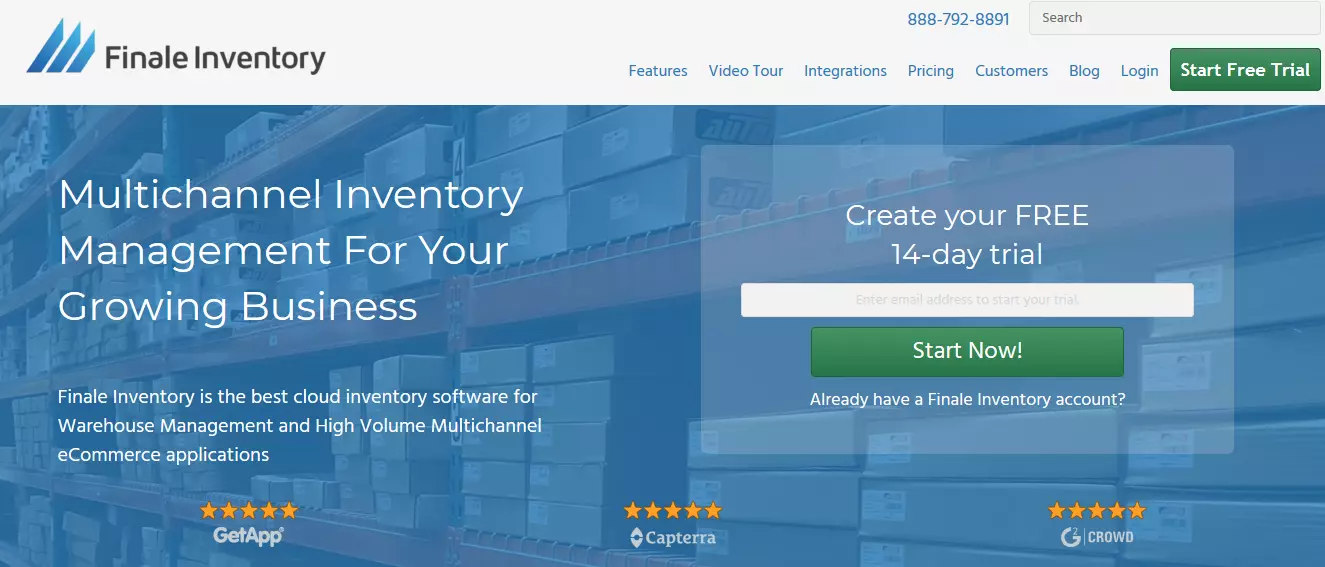
Finale Inventory is cloud-based and was created to help small and midsize businesses with their inventory and supply chain management. This warehouse management system can also be integrated with selling platforms such as Amazon, Etsy, and eBay so you can manage orders from e-commerce sites. Auto updates are made on the channels within five minutes of any stock change, meaning you don’t have to worry about overselling. The multi-location support means users can keep an eye on stock levels across multiple warehouses. Stock history reports track purchase orders, stock takes, sales order, as well as stock transfer and any changes that have occurred, so you know how an item is faring.
Well-known businesses such as Netflix, Manscaped, and Bapmic trust this inventory solution, which was built with flexibility and scalability in mind. The four packages are Bronze ($99/month), Silver ($275/month), Gold ($449/month), and Platinum ($649/month). The smallest package has the capacity for 1,000 orders a month. This amount increases depending on the package, with Platinum boasting 20,000 orders per month. A free 14-day trial is available to try out the different packages.
Training sessions are also offered, which consist of 60-90 minutes on the phone with real-time screen sharing.
| Advantages | Disadvantages |
|---|---|
| ✓ Highly customizable and simple to use | ✗ Interface could be more flexible |
| ✓ Great training resources | ✗ Familiarization takes a while |
| ✓ Centralized inventory syncs across multiple sales channels | |
| ✓ Wide range of functions – has everything a user could want |
Cin7
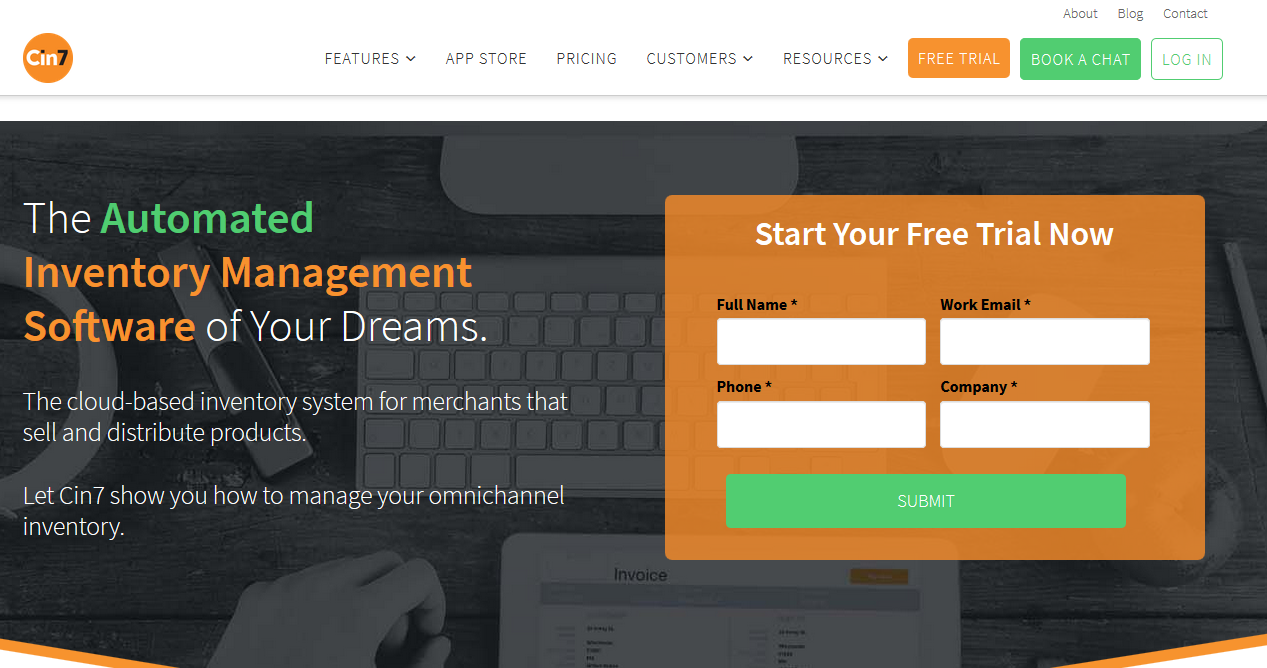
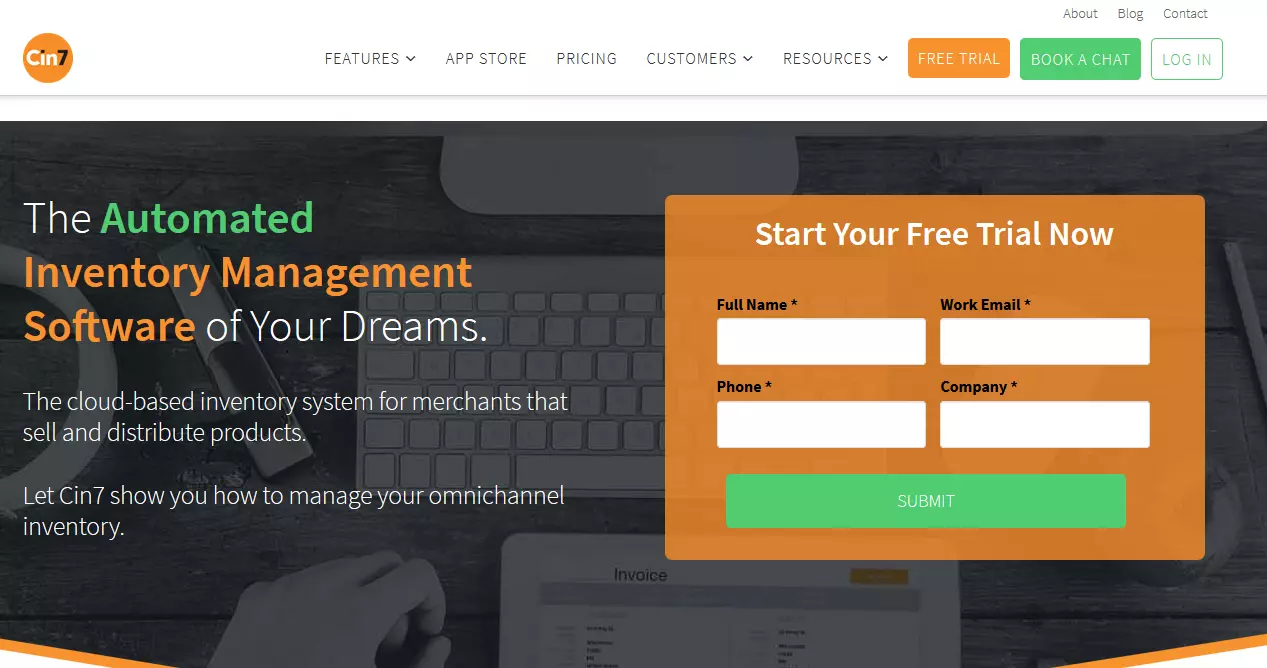
This inventory management solution offers warehouse management, inventory management, point-of-sale, and reporting functionality, and can be cloud-based or on-site. The customizable reporting and dashboards for tracking and monitoring inventory data enable users to gain a full view of all the warehouse and shipping activities so you can make better inventory and stock level decisions when you can see the whole picture. The e-commerce integration allows user to show the correct price of items depending on the stock’s real-time landing price. It’s most suited to small and midsized businesses and can be used on Mac, Windows, and Linux.
The award-winning Cin7 is able to connect to over 100 apps, enabling you to unify your business system and save time by not having to re-enter data. Cin7’s packages start from $299 per month and are suitable for businesses just getting started, to advanced software for well-established enterprises. You can request a quote for the features that suit your business the most. The free trial gives you a taste of what’s to come.
| Advantages | Disadvantages |
|---|---|
| ✓ Great visibility of the system as orders are processed | ✗ Interface not so clear due to huge amount of features |
| ✓ Impressive selection of features | ✗ Doesn’t integrate with many other systems |
| ✓ Easy to navigate, flexible, and user-friendly | |
| ✓ Guidance offered by Cin7 support staff |
Comparison of stock control system providers
The perfect merchandise management system does not exist. The software must fit your requirements. The following table allows you to quickly assess which software might be right for you.
| Fishbowl | Sortly Pro For Business | Odoo | Finale Inventory | Cin7 | |
|---|---|---|---|---|---|
| Suitable for | Small, medium, large businesses | Small, medium businesses | Small, medium businesses | Small, medium businesses | Small, medium businesses |
| Free version | ✗ | ✓ | ✓ | ✗ | ✓ |
| Price | $4,395 (one-time payment) | From $39/month/3 users | From $27/month/user | From $99/month/2 users | From $299/month |
| Free trial | ✓ | ✓ | ✓ | ✓ | ✓ |
| Open-source | ✗ | ✗ | ✓ | ✗ | ✗ |
| Deployment | Cloud, SaaS, Web | Cloud, SaaS, Web, Android, iOS | Cloud, SaaS, Web, Mac, Windows, Android, iOS Native | Web, Mac, Windows, iOS | Web, Mac, Windows, iOS, Linux, Android |
Find success with a stock control system
Only by optimizing your structure and automating shipping and transaction procedures can a growing webstore yield a long-term profit. It’s therefore imperative for the success of a webstore that procedures such as orders, purchases, sales, and warehouse management are automated as soon as possible, which can be done with the help of a warehouse management system. Using an appropriate merchandise management program ensures that you save time and money, which can both be invested in other areas such as marketing or advertising.
- Sell on social media in minutes
- Manage it all from one platform
- Works with any product or service