

What are the best Nextcloud apps for desktop and mobile devices?

With the right selection of Nextcloud apps, you can optimize your cloud and work more effectively. The ten best apps for Nextcloud include tools for professional use and personal organizational tools.
What is Nextcloud and what are the benefits of using it?
Nextcloud is open-source software that provides viable, user-friendly, secure cloud solutions for businesses and individuals. You can access your own data in the cloud via a web interface or through various apps. Local directories are automatically synchronized on servers, resulting in a secure platform that can be accessed and managed from different devices.
Nextcloud is much more than a simple storage system. With the help of various Nextcloud apps, you can optimize the software and use it for numerous tasks. Here we present the ten best Nextcloud apps.
OnlyOffice
 To display this video, third-party cookies are required. You can access and change your cookie settings here.
 OnlyOffice is an excellent office app for Nextcloud and is a staple for many users. All text documents, spreadsheets, presentations and forms are supported and can be edited with the free app. Unlike other comparable Nextcloud apps, OnlyOffice is compatible with Microsoft Office and also offers the option to work on a document with multiple users at the same time. A real-time chat function is also included in order to optimize collaborative work.
The Nextcloud app can be used on a desktop or smartphone and can be extended with various add-on modules if required. This makes OnlyOffice the ideal Microsoft Office alternative.
Nextcloud Deck
 To display this video, third-party cookies are required. You can access and change your cookie settings here.
 Nextcloud Deck is an ideal organizational tool that can also be used offline and offers the possibility to create multiple user accounts. The app is based on the Kanban board principle and provides an optimal overview of tasks, intermediate statuses, deadlines and open questions.
Deck is one of the best Nextcloud apps, especially for working on larger projects. Using it on a smartphone or desktop is pleasantly intuitive, and the entire layout is clear and tidy. A real-time comment feature allows team members to exchange information directly with each other. You can also add attachments with Deck.
Passwords
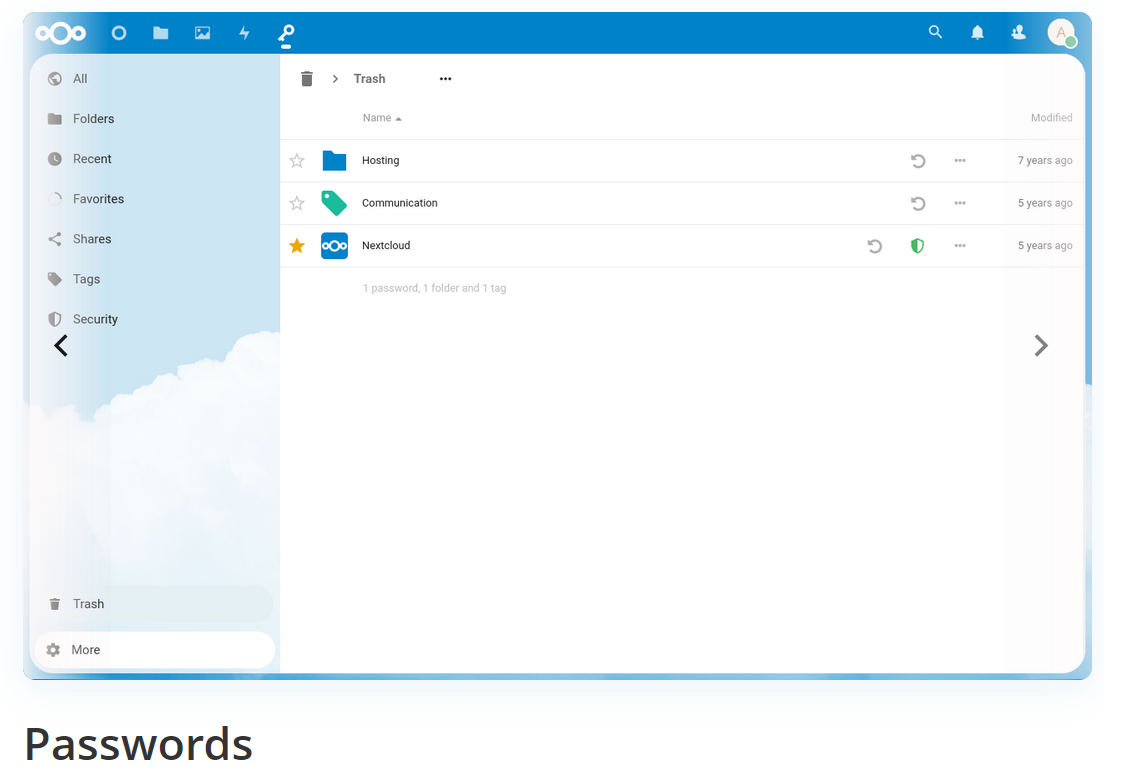
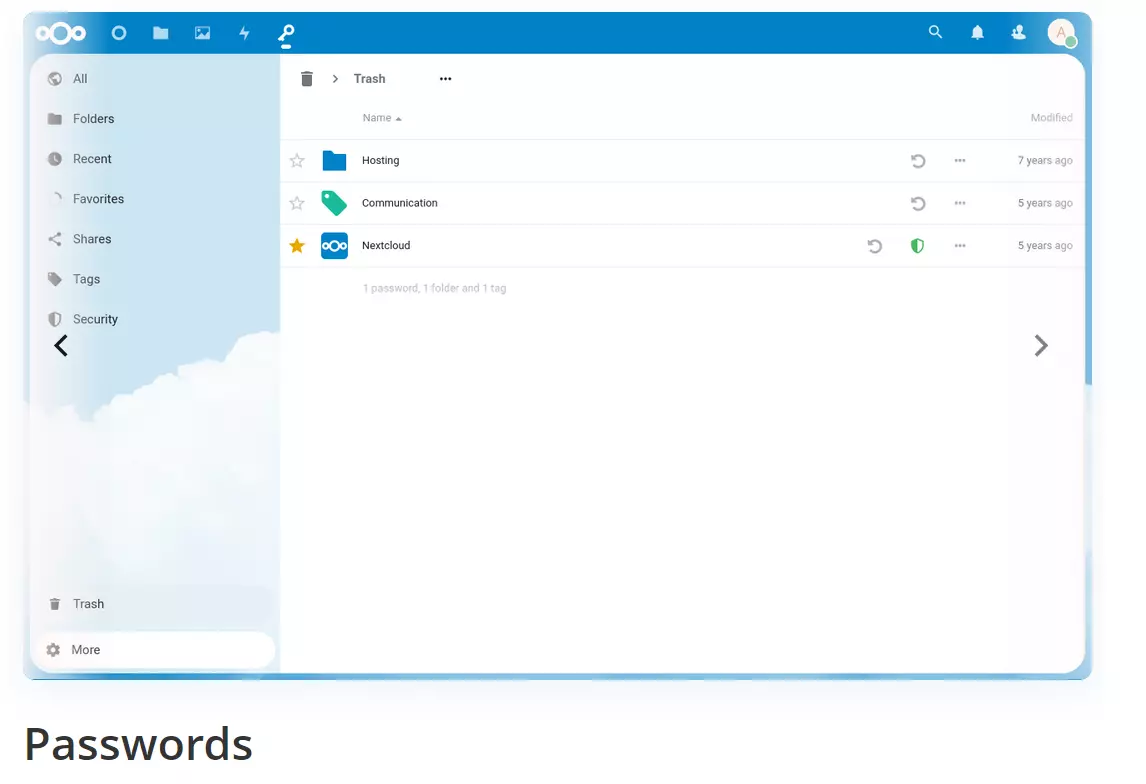
Passwords is a handy password manager that allows you to manage credentials for other Nextcloud apps, websites or devices. Passwords puts a lot of emphasis on security, so your data remains well protected at all times. The layout is very modern and simple, making it easy to organize all your different passwords. New credentials can be added with ease, and importing and exporting is also a breeze. Passwords simplifies interactions with applications and Nextcloud apps and ensures that passwords are always up to date.
To use passwords, you must encrypt your Nextcloud installation or data transmission via SSL/TLS (HTTPS).
Nextcloud Talk
 To display this video, third-party cookies are required. You can access and change your cookie settings here.
 Nextcloud Talk is a convenient and user-friendly way to make video and audio calls on mobile devices. A simple chat feature is also included, and users are informed about incoming calls. It’s also possible to hold conferences with multiple participants or share your screen with other people. Nextcloud Talk protects metadata from being lost, making it particularly secure compared to other video conferencing software. This Nextcloud app runs equally well on Android and iOS.
Cookbook
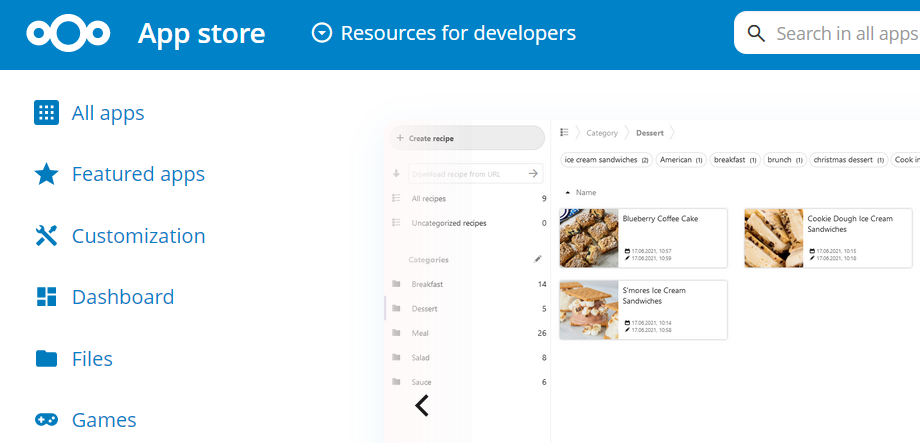
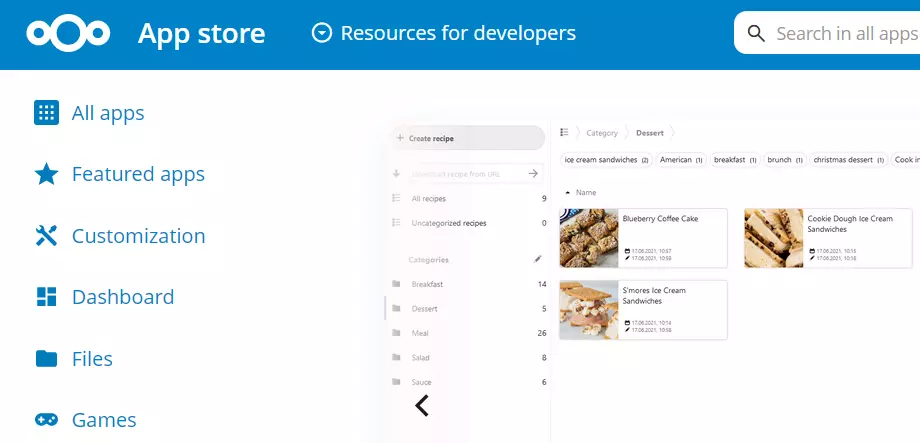
Cookbook shows that Nextcloud apps are not only excellent for everyday work. This tool allows you to save recipes, whether they are yours or from somebody else. You can also edit them online and sort them. The layout is clear and modern. With additional information, you can categorize different recipes and filter them by ingredients, so that you can find the right dish straightaway. This Nextcloud app is also suitable for iOS and Android.
Nextcloud Calendar for Android and iOS
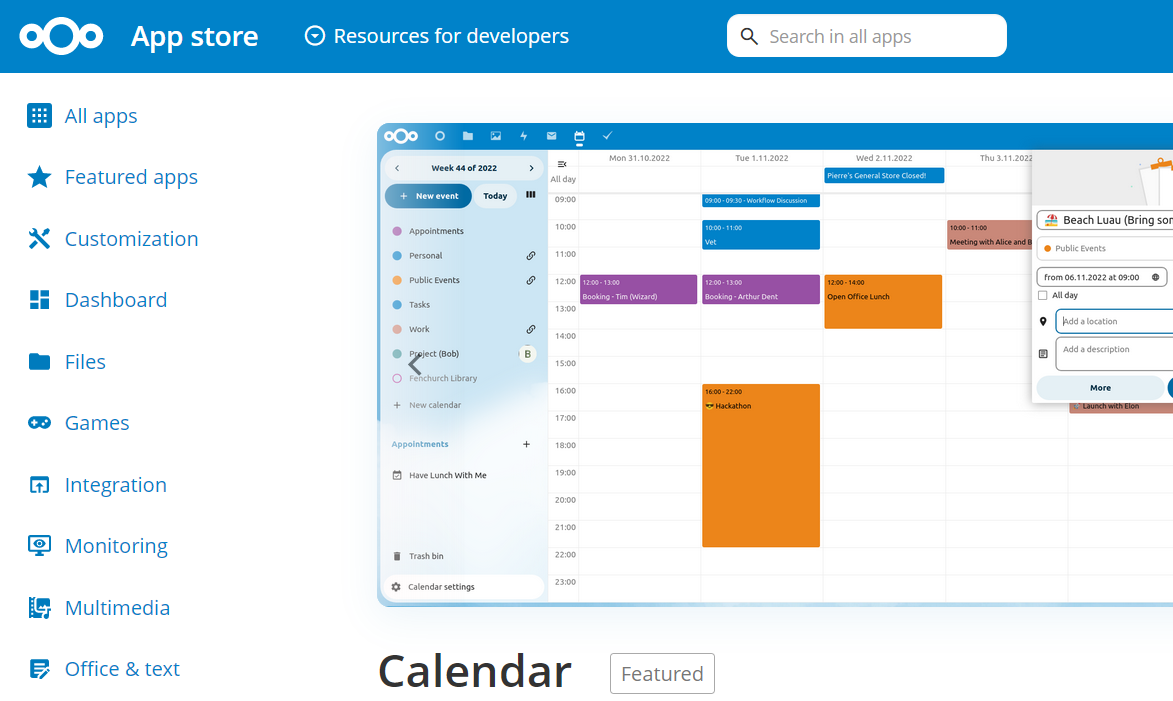
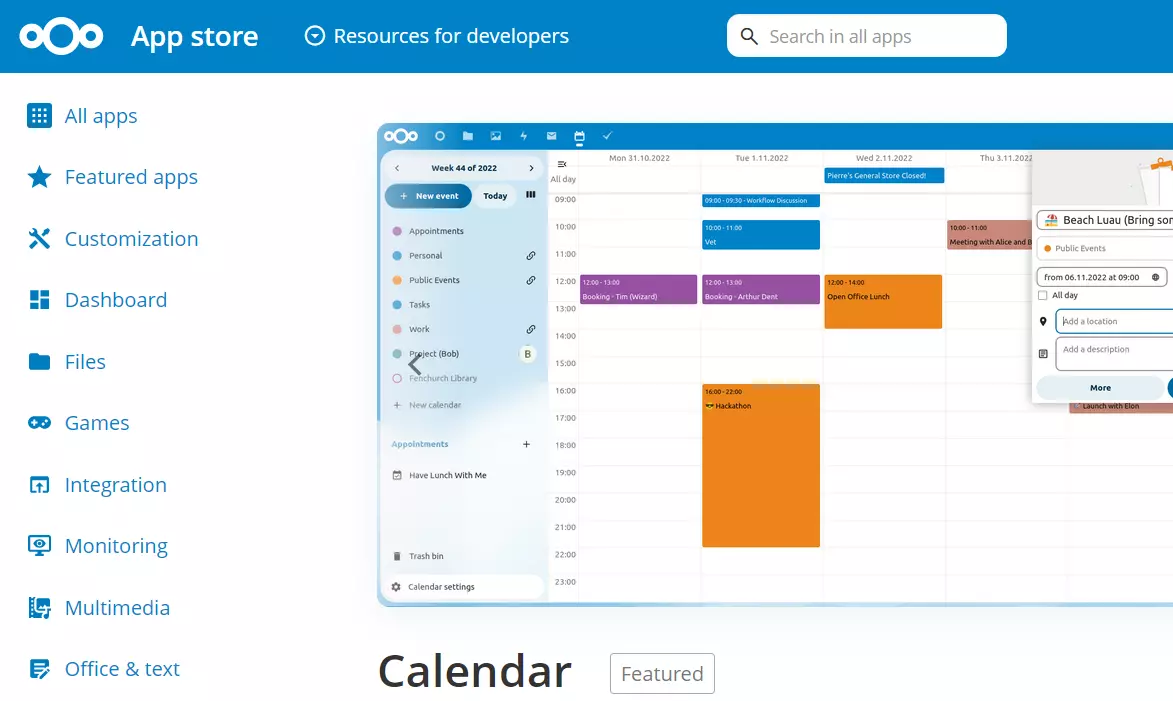
A very important and particularly useful tool is Nextcloud’s Calendar for Android and iOS. The calendar app is based on Nextcloud’s CalDAV server and allows you to connect with numerous other programs. With the app, you can sync different events from different devices and edit them online. Simple reminders and invitations can also be created with Calendar. The app is very clear and doesn’t contain any unnecessary extras. As an organizational tool, it stands out due to its high reliability and ease of use.
News
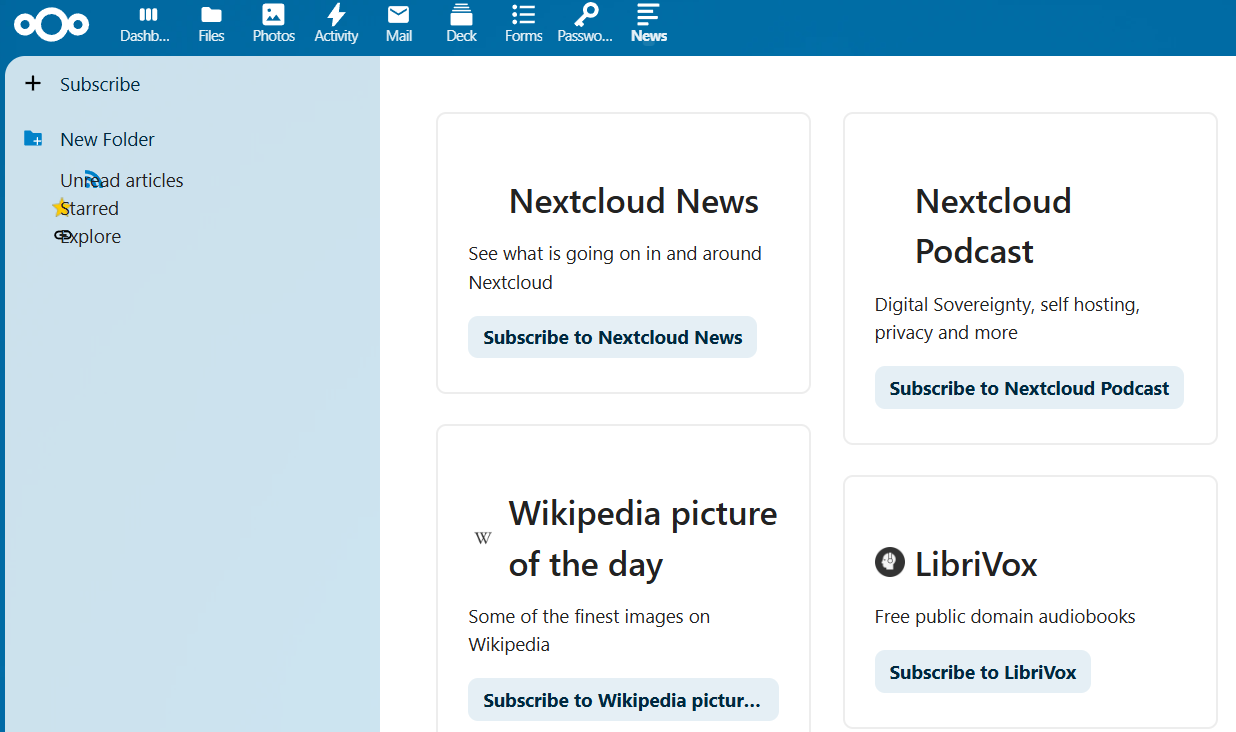
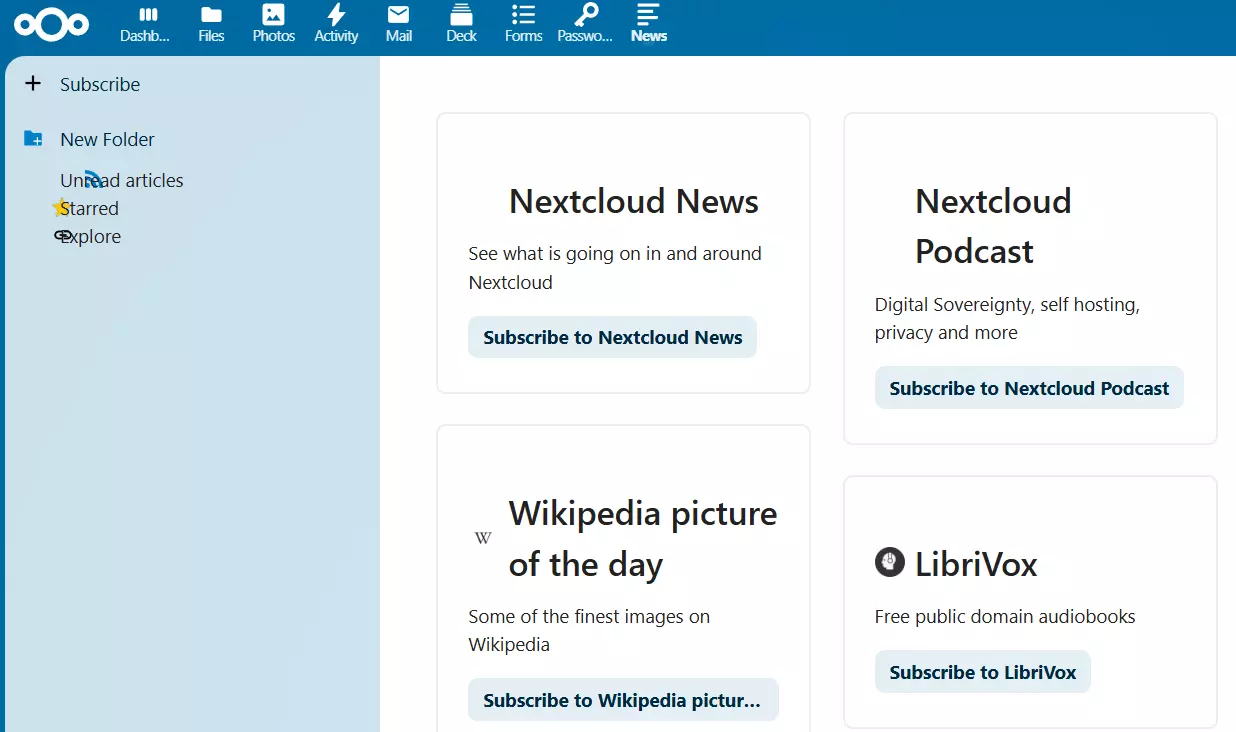
News is a very simple and extremely useful app. It ensures that you stay up to date with all the news and changes related to Nextcloud and its apps. News can be synced with apps like CloudNews, Fiery Feeds, Newsout, OCReader or RSS Guard and acts as an RSS/Atom feed reader for Nextcloud. The app is suitable for desktop PCs as well as smartphones. It has a streamlined structure, which makes it easy to follow. It’s perfect if you don’t want to miss any current discussions in the open-source community.
Nextcloud Notes
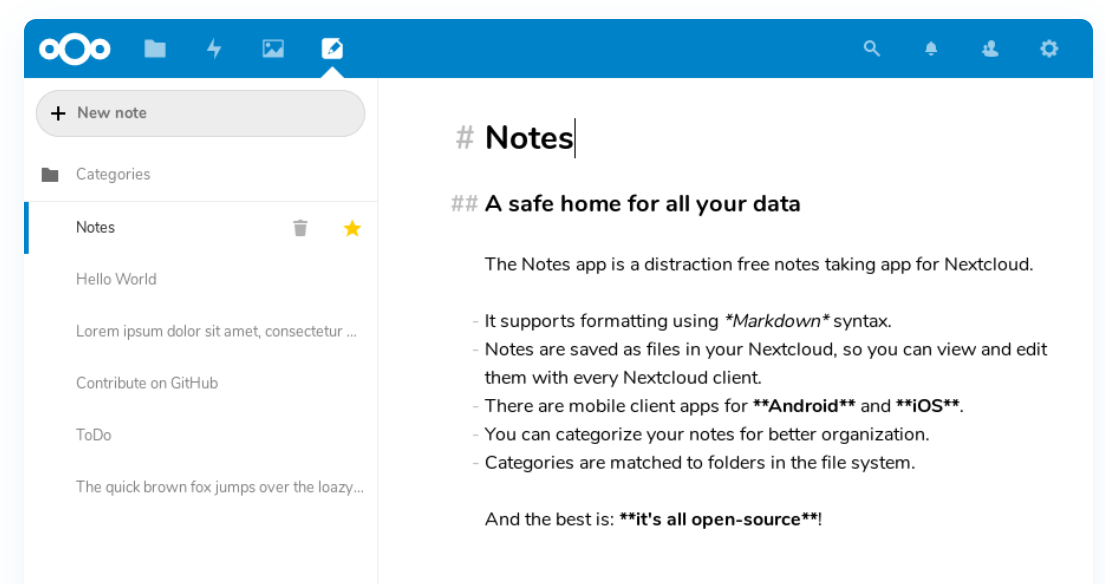
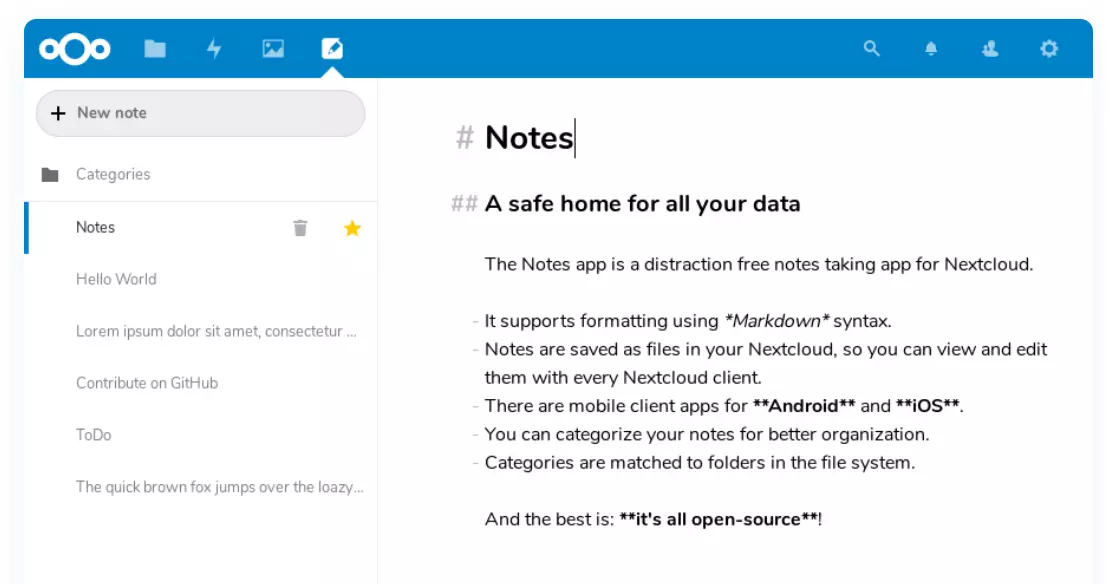
Nextcloud Notes is the ideal companion if you want to sketch and jot down ideas on the go. You can create, edit, and share notes with the app. This makes it a worthwhile OneNote alternative. Nextcloud Notes offers various format options and scores points with its very reduced structure. Your notes are immediately synchronized with Nextcloud and you can access them at any time. The app is open source and available for Android and iOS.
Tasks
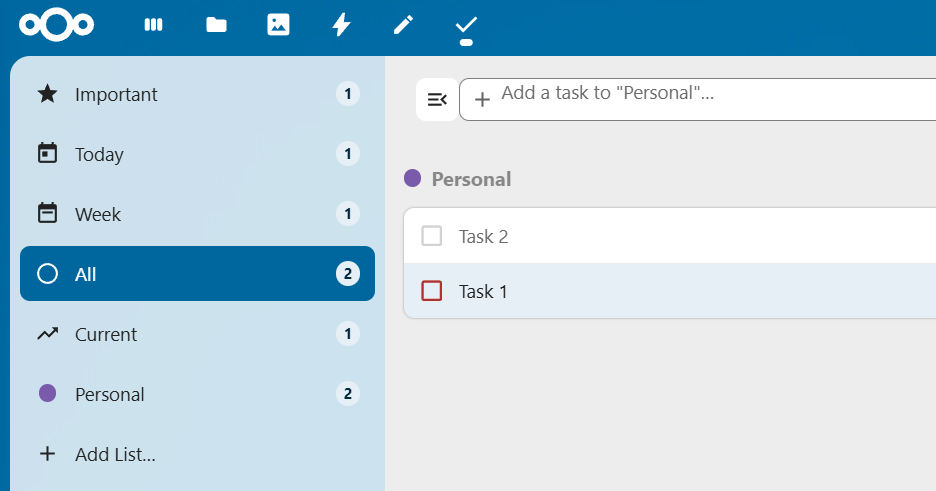
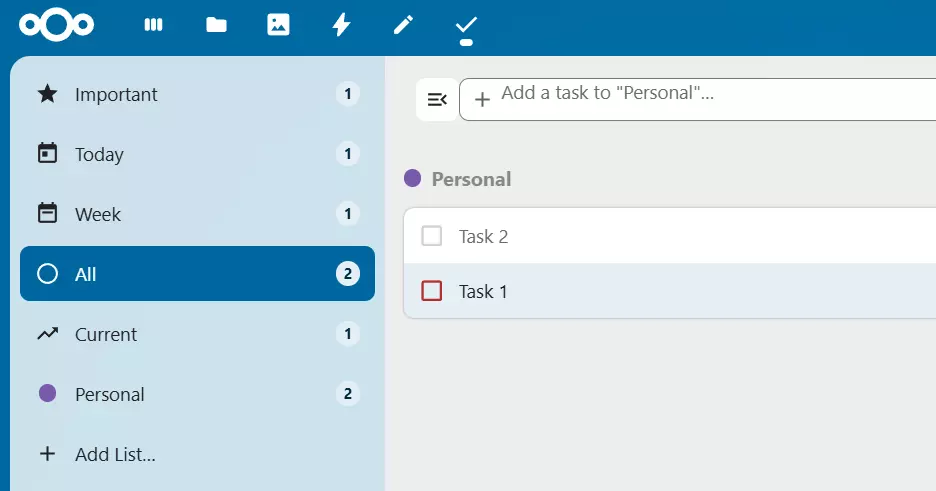
Tasks is one of the most useful apps in Nextcloud for both professional and personal use. All important tasks can be clearly notated, synchronized and shared with the app. Tasks offers various settings and impresses with its intuitive interface. If you want to use the Nextcloud app with Android, you also need DAVx5. This additional app ensures that the operating system supports the CalDAV and CardDAV protocols.
Nextcloud Mail
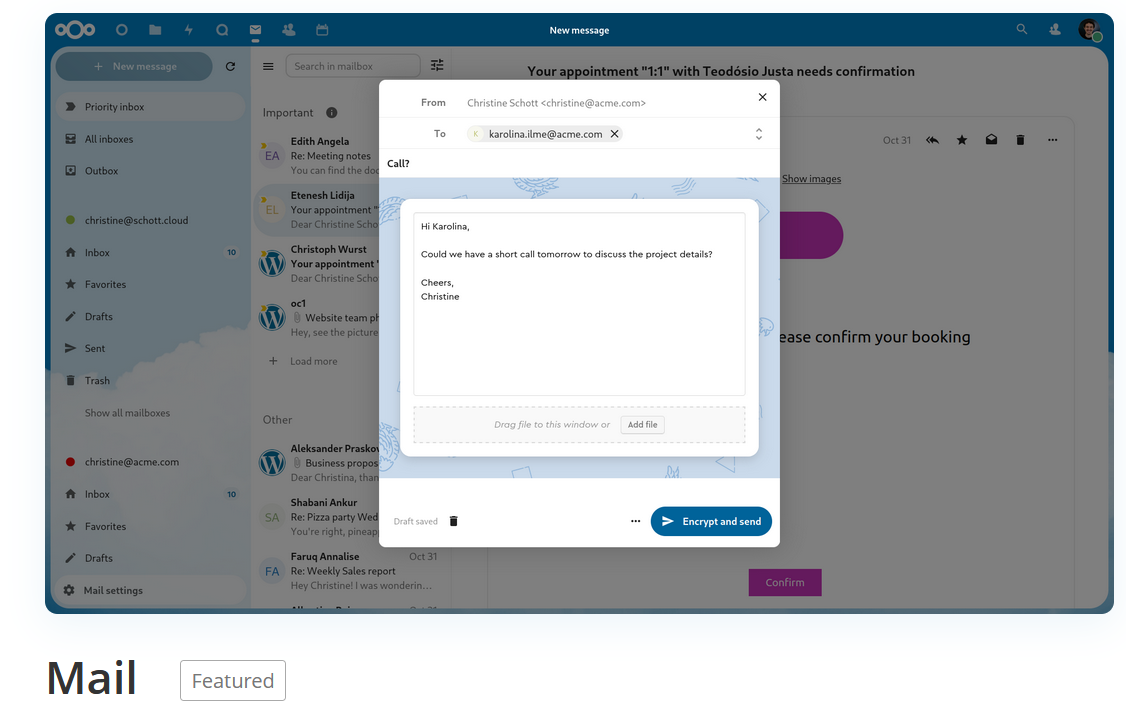
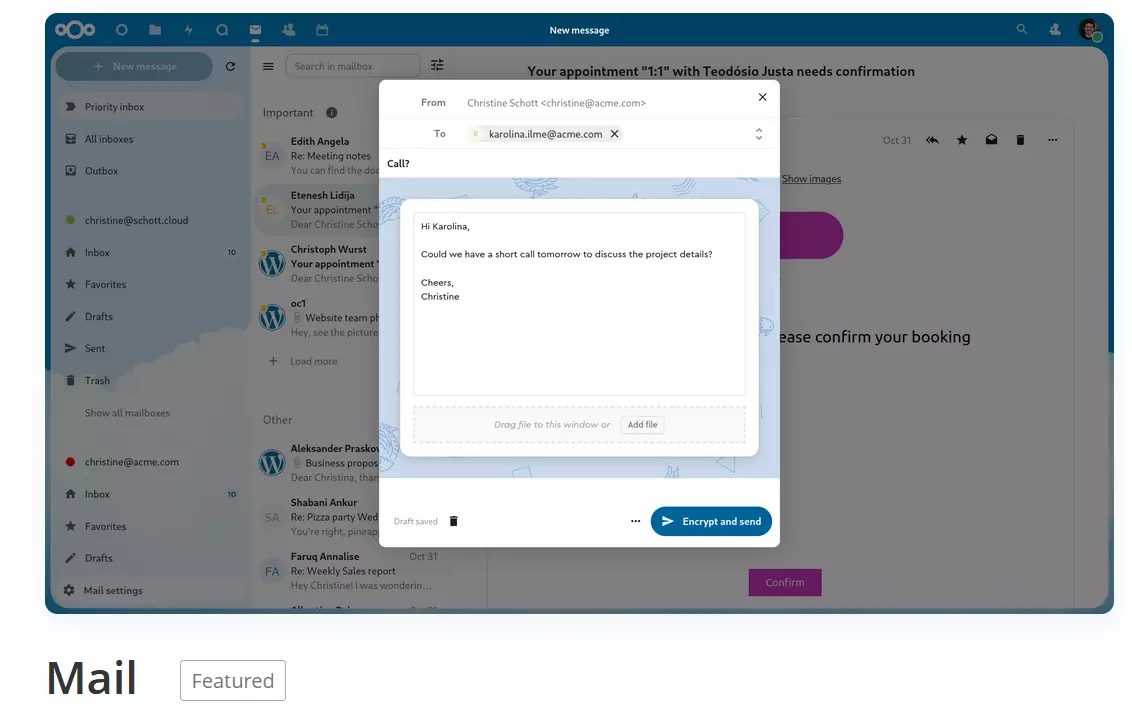
Nextcloud Mail allows you to manage your daily email communication directly within the familiar Nextcloud interface. Simply link the desired addresses using the app, and then send and receive emails just like with a typical client. The seamless integration of other Nextcloud apps, such as Contacts, Files, and Calendar, gives you maximum flexibility and productivity. In combination with the Mailvelope extension, you can even encrypt your email communication if needed.
In our Digital Guide, you can find more valuable info and tips on Nextcloud. Learn how to install or read Nextcloud on Raspberry Pi and who fares best in the ownCloud vs. Nextcloud showdown. You can also find out about collaboration tools and which cloud storage is best for you in our cloud storage comparison.